Most repeated positive
13authors
A complete feature set
“cleanshotx - scrolling screenshots is much more robust.”Evidence: r/macapps · Shottr vs CleanShot X in 2026. Which one are you actually sticking with?
Release notes parsed from trusted records and kept on this page. History provides context; a future Watch alert starts from a fresh baseline.
No trusted release history yet.
We have not observed a structured App Store, Sparkle, GitHub, or package release for Beam. Future official changes can still establish a Watch baseline.
Be the first to request it
Request the same source-linked purchase brief shown in the completed example below. Your email starts the request and receives the result.
Want it sooner? Independent demand changes queue priority.
Completed example · CleanShot X data
Everything below belongs to CleanShot X. It is a real, completed example—not research about Beam.

CleanShot X
Example data
 Completed research example
Most repeated positive
13authors
“cleanshotx - scrolling screenshots is much more robust.”Evidence: r/macapps · Shottr vs CleanShot X in 2026. Which one are you actually sticking with?
Most repeated concern
16authors
“I don't think it makes sense to spend the money for Cleanshot when other apps do most of what it does for a lot less or free.”Evidence: r/macapps · Shottr vs CleanShot X in 2026. Which one are you actually sticking with?
Product context
Official or maker-supplied product information. It is kept separate from buyer evidence and independent purchase verification.
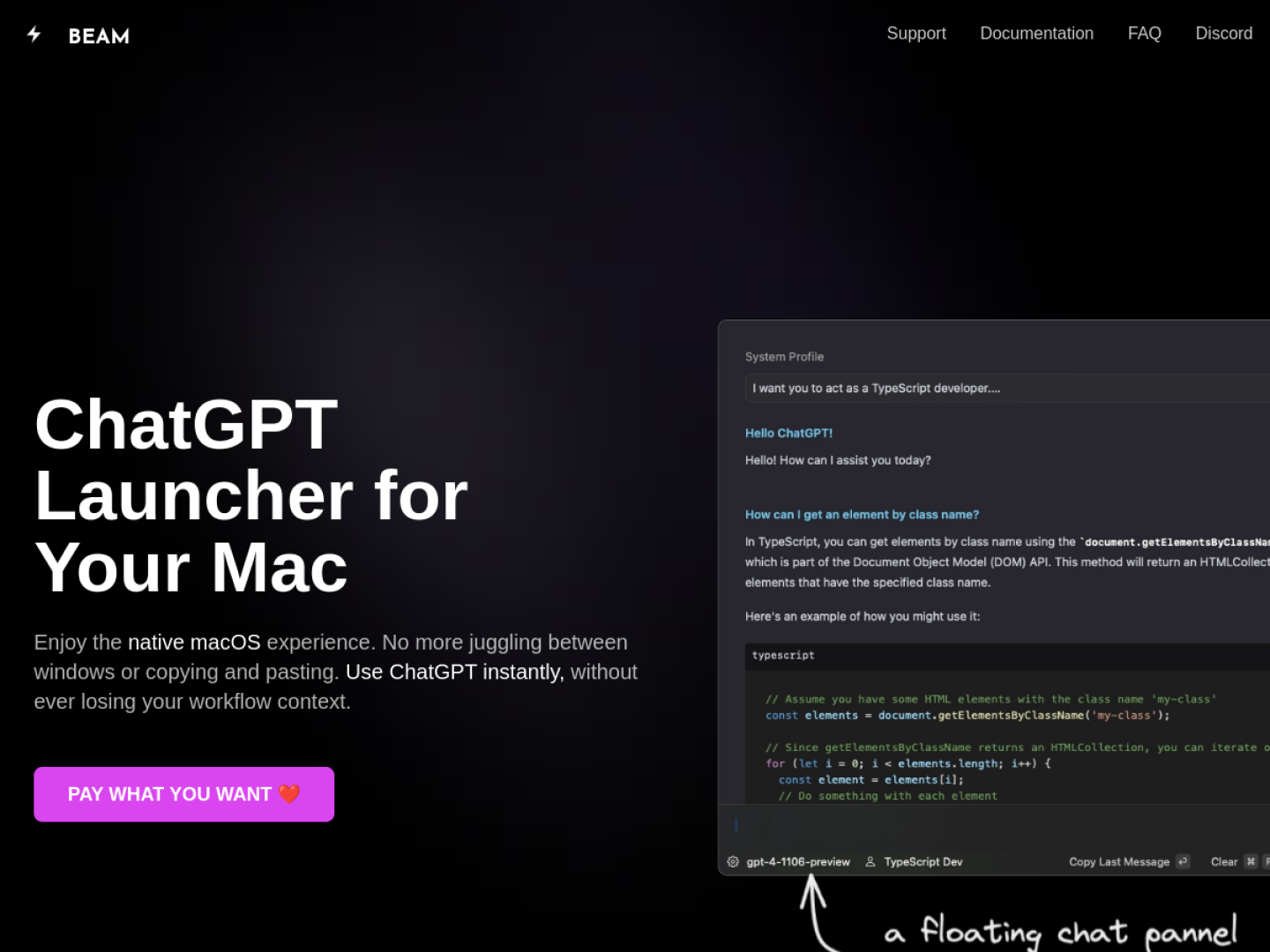
Beam is a native macOS launcher that keeps ChatGPT close to the app already in use. Pressing Control + Space opens a floating chat panel, so a conversation can start without rearranging windows. Selected text can be sent into the chat and the result inserted back into the originating app with a keyboard action. Beam can also capture a selected area of the screen and use it as the subject of a question.
Beam is designed around short, repeatable actions instead of a separate browser tab:
The developer describes Beam as a native, non-Electron app with a deliberately minimal interface. The app is sandboxed, sends requests directly to OpenAI, and stores its own data locally on the Mac rather than on Beam servers. That combination makes it most relevant when AI assistance needs to sit inside an existing writing, reading, or research flow rather than become another destination.
Recent conversations with a verified link to this App.
18 points · 2 comments ·
More Productivity apps from the directory.