Prepare the Mac for a context in one action
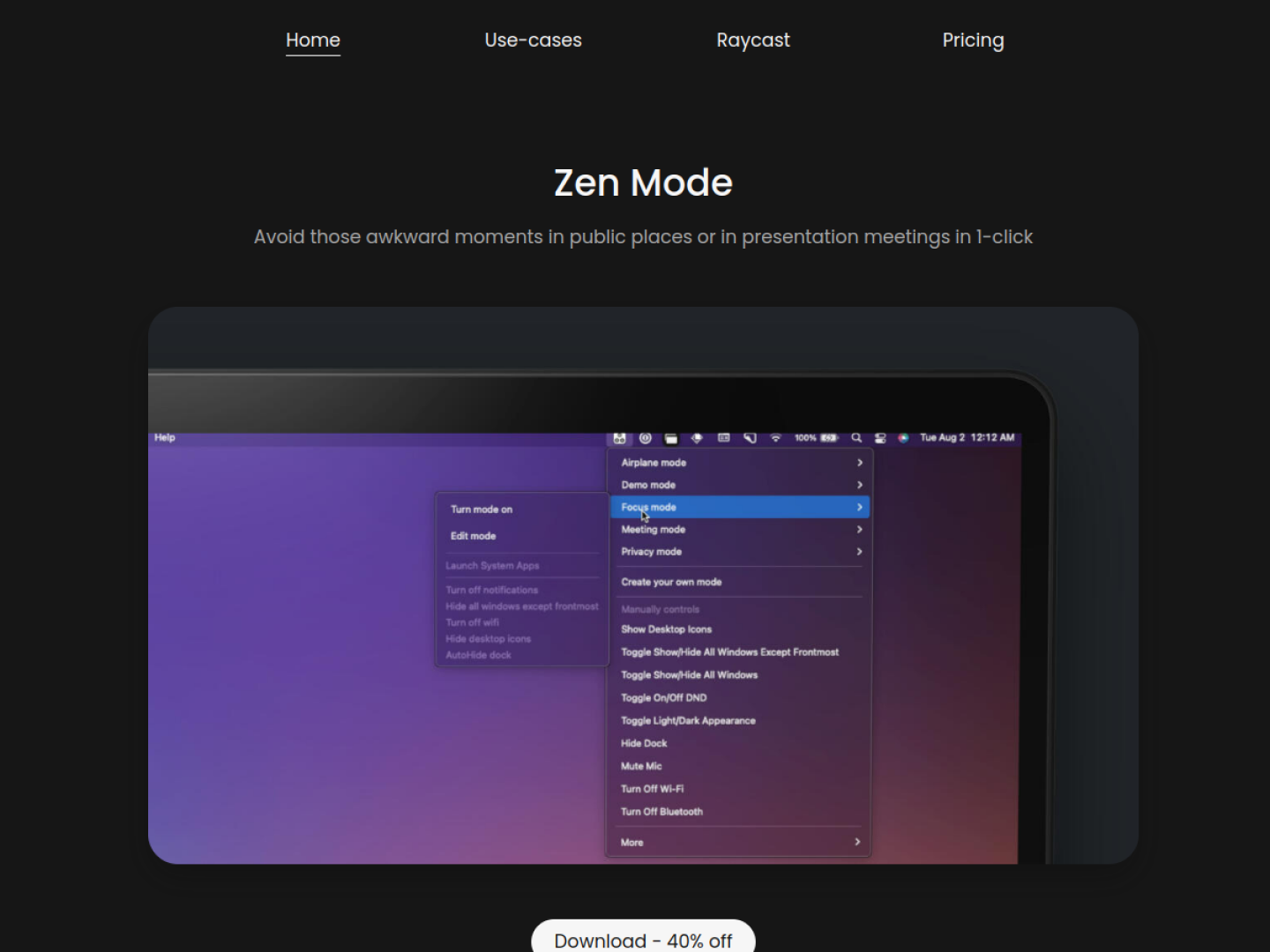
Zen Mode lets a Mac user save groups of system and window preferences as named modes, then activate a mode from the menu bar. The product is designed for moments when a desktop needs to change quickly—before a presentation, a meeting, focused work, or using the Mac in public. The setup flow is direct: name the mode, choose its preferences, save it, and turn it on.
Controls that can be combined
The official use cases show modes built from actions such as:
- Hide desktop icons, the Dock, or every window except the frontmost one.
- Turn on Do Not Disturb for a focus or privacy setup.
- Turn off Wi-Fi or Bluetooth for an airplane-style mode.
- Build multiple custom modes instead of relying only on supplied examples.
- Trigger modes with Raycast, Apple Shortcuts, deep links, or manual controls.
Reusable automation for recurring situations
Each mode receives its own deep link, allowing another app or an Apple Shortcut to activate it. Zen Mode also documents a zenmode://stop link for deactivating the current mode, so a single shortcut can end any active setup. Its examples distinguish Focus, Presentation, Meeting, Privacy, and Airplane modes, but these are combinations rather than fixed limits. The official requirements specify macOS Monterey on Apple silicon or later. On newer macOS versions, Do Not Disturb requires the Shortcuts-based setup documented by the developer because Apple changed third-party access to that control.