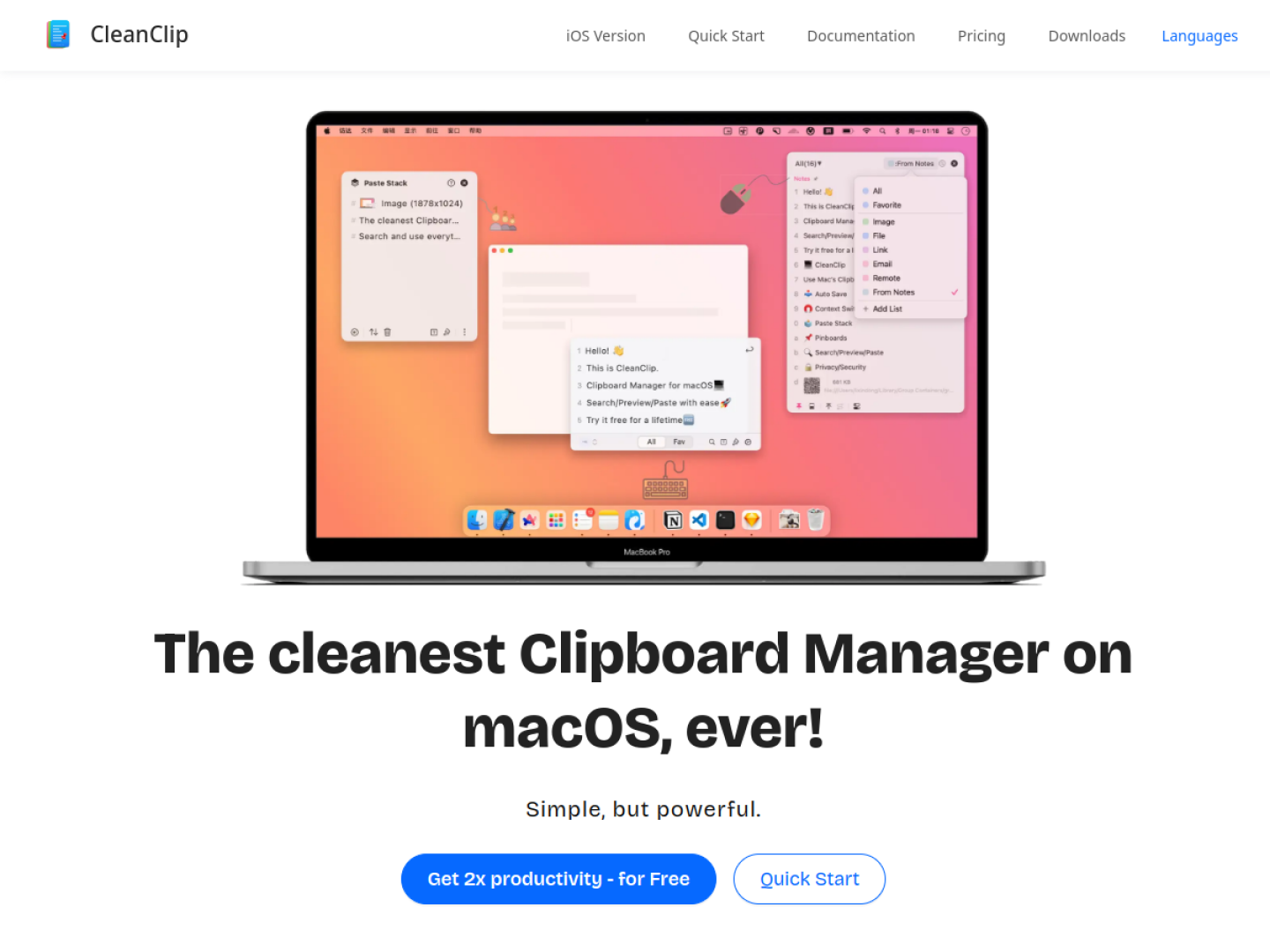
Clipboard history next to the cursor
CleanClip is a macOS clipboard manager designed to reduce the context switch involved in finding and pasting previous content. Its Quick Menu opens near the active text input with Command-Semicolon, initially keeps the visible history short, and expands or reveals search controls as they are needed. Number keys can paste an indexed item without moving to a separate management window.
Organize material for reuse
Beyond recent history, CleanClip provides unlimited collection lists and rule-based smart lists. The main window can follow the frontmost app, letting users inspect clipboard history associated with the application they are currently using. The product also preserves multiple content formats and offers per-item or preset paste formatting.
- Star frequently reused items and reopen favorites through the Quick Menu.
- Filter and organize records with collection and smart lists.
- Follow the frontmost app to narrow the visible history.
- Save templates or other reusable material from supported apps.
- Paste captured items one after another with Paste Stack.
Sequential work without repeated copying
Paste Stack is the product's distinctive multi-item workflow. When active, new copies enter a queue and each Command-V advances to the next item. A split-copy command can turn separate lines into individual stack entries, supporting form filling, collecting material from several pages, or transferring a known sequence into another app.