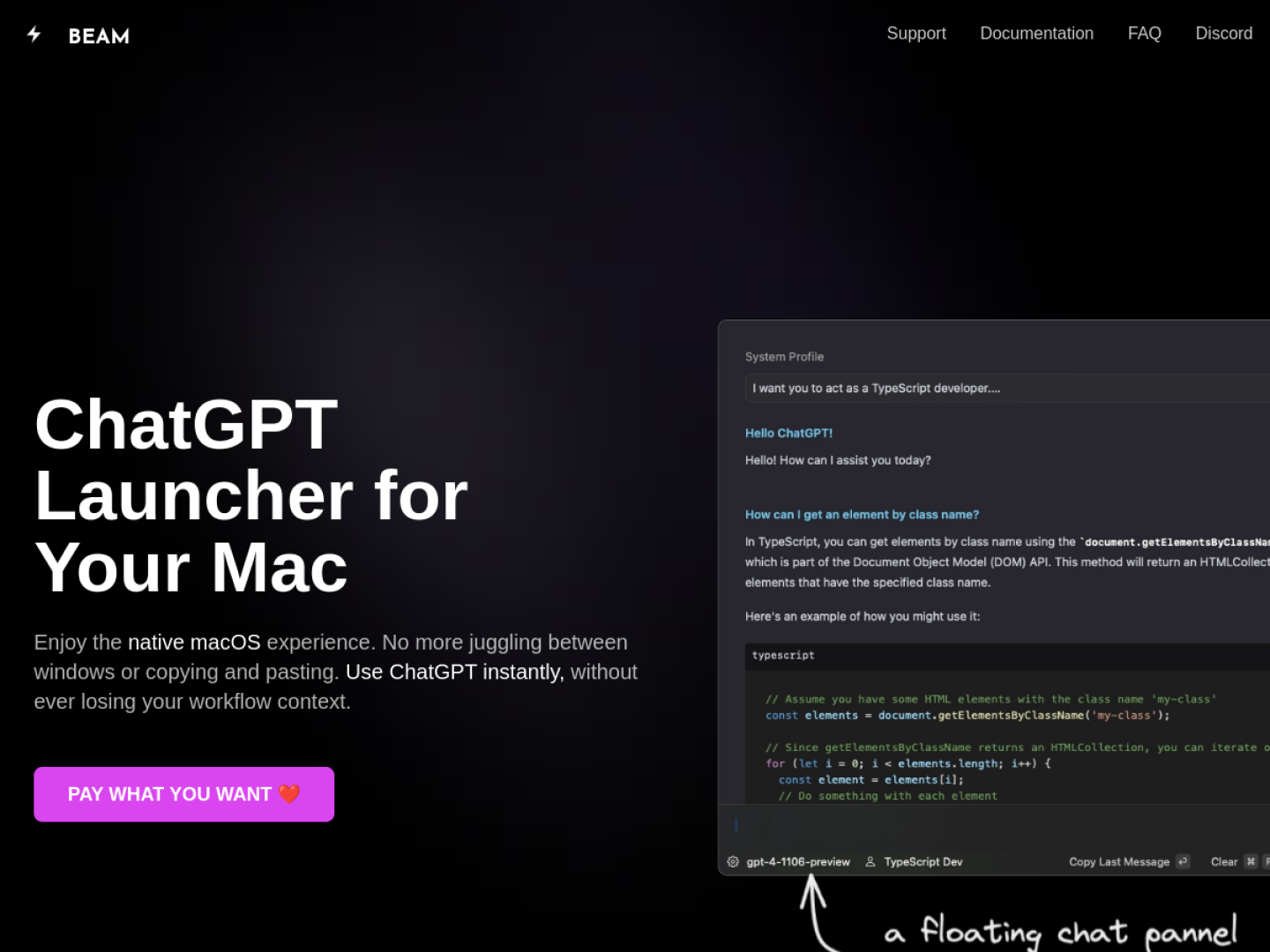
ChatGPT without leaving the current task
Beam is a native macOS launcher that keeps ChatGPT close to the app already in use. Pressing Control + Space opens a floating chat panel, so a conversation can start without rearranging windows. Selected text can be sent into the chat and the result inserted back into the originating app with a keyboard action. Beam can also capture a selected area of the screen and use it as the subject of a question.
Workflows Beam brings together
Beam is designed around short, repeatable actions instead of a separate browser tab:
- Create actions for jobs such as summarizing a website, translating text, or explaining a concept.
- Save prompts as templates with blanks that can be filled in the next time they are used.
- Open and question PDF documents, including asking for summaries or specific answers.
- Create AI profiles that give a model a defined role or response style.
- Reach the major features through keyboard shortcuts.
A Mac-first implementation
The developer describes Beam as a native, non-Electron app with a deliberately minimal interface. The app is sandboxed, sends requests directly to OpenAI, and stores its own data locally on the Mac rather than on Beam servers. That combination makes it most relevant when AI assistance needs to sit inside an existing writing, reading, or research flow rather than become another destination.