Most repeated positive
13authors
A complete feature set
“cleanshotx - scrolling screenshots is much more robust.”Evidence: r/macapps · Shottr vs CleanShot X in 2026. Which one are you actually sticking with?

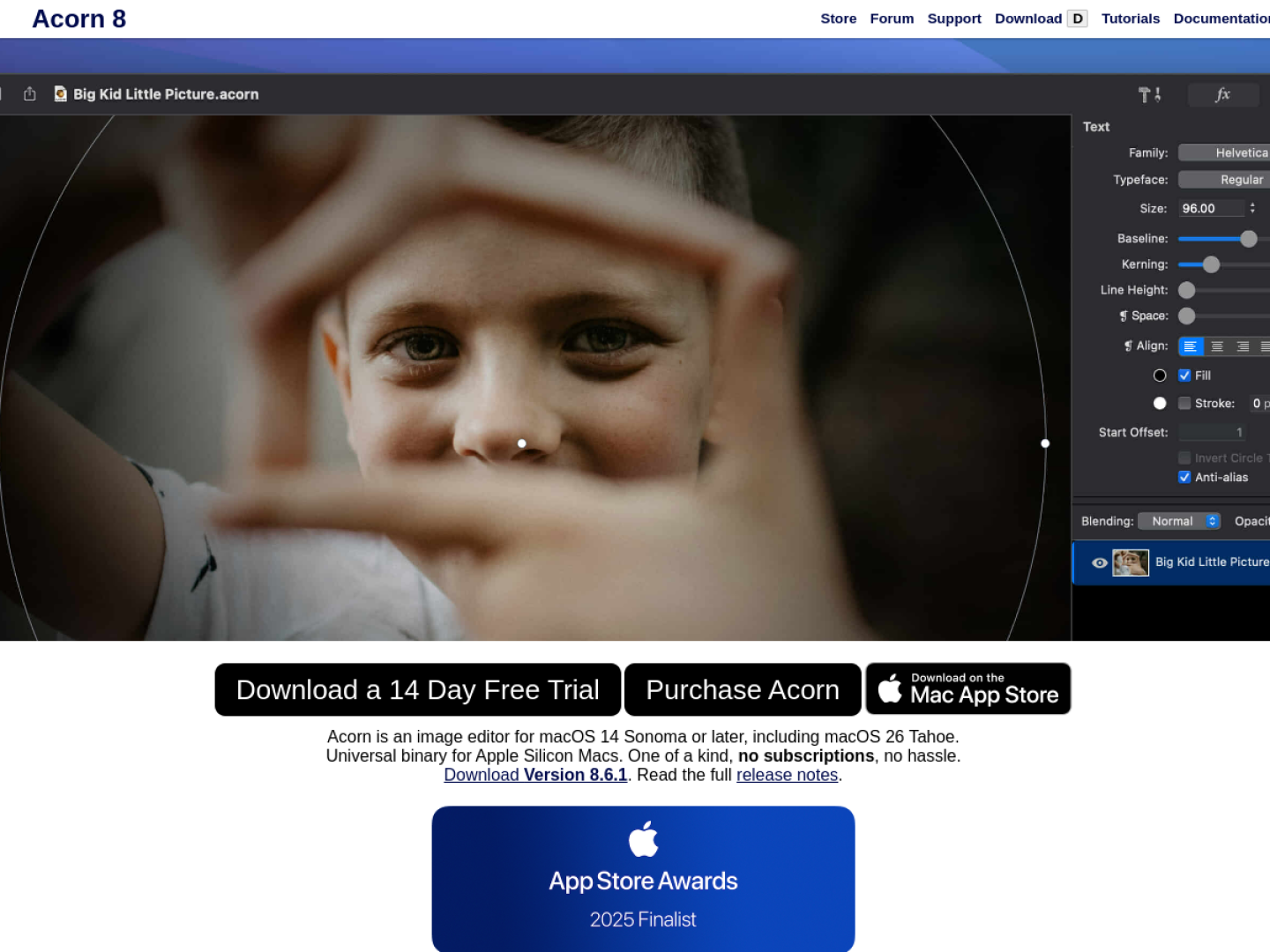
Edit photos and illustrations in a native Mac workspace with vector shapes, nondestructive filters, machine-learning selections, and a one-time purchase.
Release notes parsed from trusted records and kept on this page. History provides context; a future Watch alert starts from a fresh baseline.
No trusted release history yet.
We have not observed a structured App Store, Sparkle, GitHub, or package release for Acorn 8. Future official changes can still establish a Watch baseline.
Be the first to request it
Request the same source-linked purchase brief shown in the completed example below. Your email starts the request and receives the result.
Want it sooner? Independent demand changes queue priority.
Completed example · CleanShot X data
Everything below belongs to CleanShot X. It is a real, completed example—not research about Acorn 8.

CleanShot X
Example data
 Completed research example
Most repeated positive
13authors
“cleanshotx - scrolling screenshots is much more robust.”Evidence: r/macapps · Shottr vs CleanShot X in 2026. Which one are you actually sticking with?
Most repeated concern
16authors
“I don't think it makes sense to spend the money for Cleanshot when other apps do most of what it does for a lot less or free.”Evidence: r/macapps · Shottr vs CleanShot X in 2026. Which one are you actually sticking with?
Product context
Official or maker-supplied product information. It is kept separate from buyer evidence and independent purchase verification.
Acorn 8 is a native image editor for macOS 14 or later, delivered as a universal binary for Apple silicon Macs. It brings bitmap editing, vector shapes, text, layers, masks, selections, and non-destructive filters into one unified window. The maker sells it as a one-time purchase and provides a 14-day trial.
Version 8 adds tools for both one-off edits and repeatable production work:
Curves, levels, and filters remain adjustable rather than being permanently baked into the image. Acorn also includes layer masks, Bézier and boolean shape tools, RAW import, animated GIF and PNG editing, LUTs, a perspective correction tool, and JPEG-XL import and export. Its export window supports common raster, vector, layered, and web formats, including PNG, JPEG, WebP, PSD, PDF, and SVG.
More Design apps from the directory.