Most repeated positive
13authors
A complete feature set
“cleanshotx - scrolling screenshots is much more robust.”Evidence: r/macapps · Shottr vs CleanShot X in 2026. Which one are you actually sticking with?
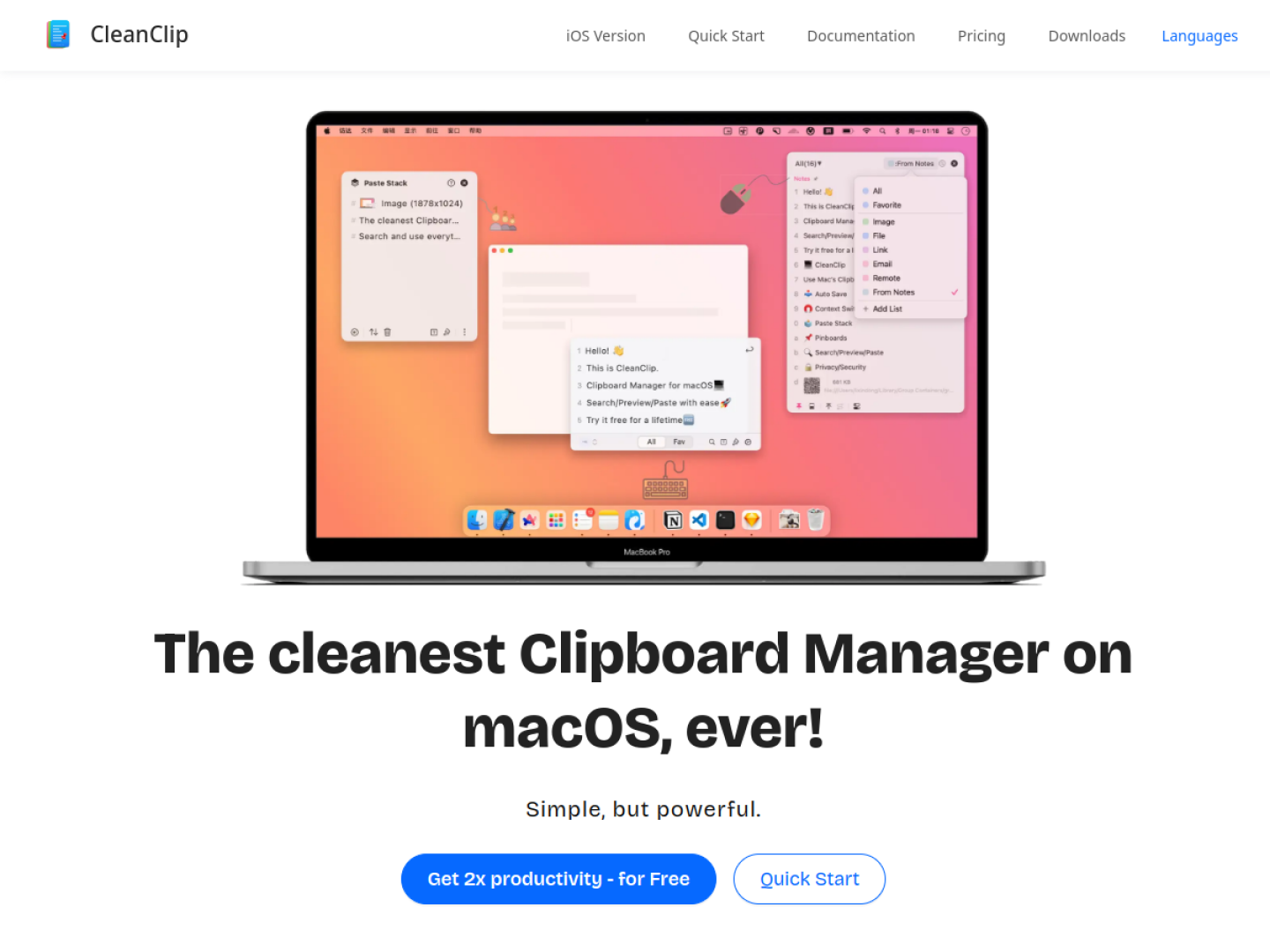
The cleanest Clipboard Manager on macOS. Auto save copies, easy management, find in seconds. Simple, but powerful. CleanClip not only protects your valuable content from being lost, but also provides powerful content filtering, bookmarking, and organizing capabilities. It permeates every aspect of your Mac usage.
Release notes parsed from trusted records and kept on this page. History provides context; a future Watch alert starts from a fresh baseline.
This trusted record verifies the release, but it did not include written release notes.
Be the first to request it
Request the same source-linked purchase brief shown in the completed example below. Your email starts the request and receives the result.
Want it sooner? Independent demand changes queue priority.
Completed example · CleanShot X data
Everything below belongs to CleanShot X. It is a real, completed example—not research about CleanClip.

CleanShot X
Example data
 Completed research example
Most repeated positive
13authors
“cleanshotx - scrolling screenshots is much more robust.”Evidence: r/macapps · Shottr vs CleanShot X in 2026. Which one are you actually sticking with?
Most repeated concern
16authors
“I don't think it makes sense to spend the money for Cleanshot when other apps do most of what it does for a lot less or free.”Evidence: r/macapps · Shottr vs CleanShot X in 2026. Which one are you actually sticking with?
Product context
Official or maker-supplied product information. It is kept separate from buyer evidence and independent purchase verification.
CleanClip is a macOS clipboard manager designed to reduce the context switch involved in finding and pasting previous content. Its Quick Menu opens near the active text input with Command-Semicolon, initially keeps the visible history short, and expands or reveals search controls as they are needed. Number keys can paste an indexed item without moving to a separate management window.
Beyond recent history, CleanClip provides unlimited collection lists and rule-based smart lists. The main window can follow the frontmost app, letting users inspect clipboard history associated with the application they are currently using. The product also preserves multiple content formats and offers per-item or preset paste formatting.
Paste Stack is the product's distinctive multi-item workflow. When active, new copies enter a queue and each Command-V advances to the next item. A split-copy command can turn separate lines into individual stack entries, supporting form filling, collecting material from several pages, or transferring a known sequence into another app.
More Device Controls apps from the directory.