Most repeated positive
13authors
A complete feature set
“cleanshotx - scrolling screenshots is much more robust.”Evidence: r/macapps · Shottr vs CleanShot X in 2026. Which one are you actually sticking with?
Clipboard history, screenshots and image annotation for Mac. Find and reuse edited captures after the clipboard changes. 14-day trial; paid lifetime license.
Release notes parsed from trusted records and kept on this page. History provides context; a future Watch alert starts from a fresh baseline.
No trusted release history yet.
We have not observed a structured App Store, Sparkle, GitHub, or package release for ClipOrigin. Future official changes can still establish a Watch baseline.
Be the first to request it
Request the same source-linked purchase brief shown in the completed example below. Your email starts the request and receives the result.
Want it sooner? Independent demand changes queue priority.
Completed example · CleanShot X data
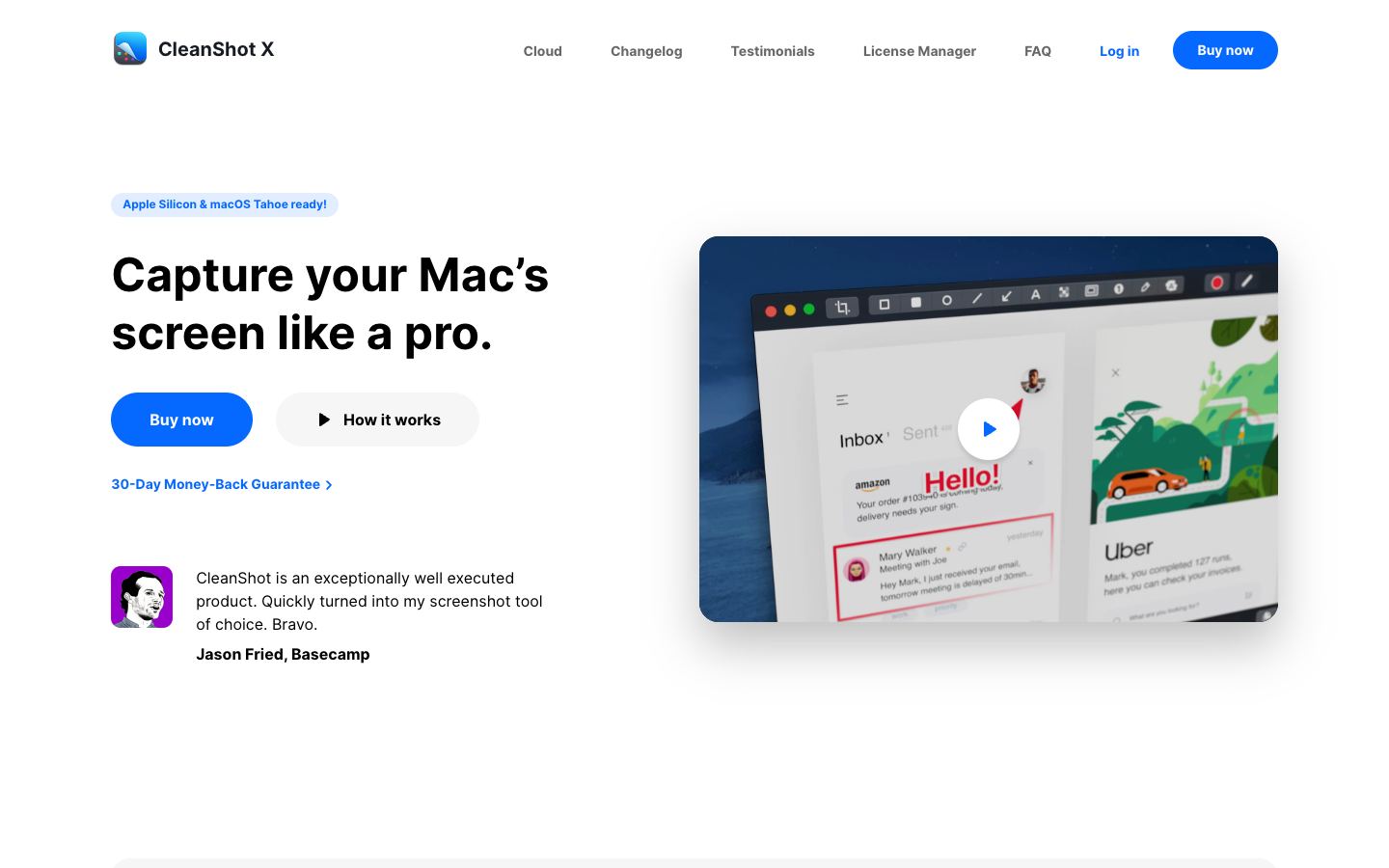
Everything below belongs to CleanShot X. It is a real, completed example—not research about ClipOrigin.
CleanShot X
Example data
 Completed research example
Most repeated positive
13authors
“cleanshotx - scrolling screenshots is much more robust.”Evidence: r/macapps · Shottr vs CleanShot X in 2026. Which one are you actually sticking with?
Most repeated concern
16authors
“I don't think it makes sense to spend the money for Cleanshot when other apps do most of what it does for a lot less or free.”Evidence: r/macapps · Shottr vs CleanShot X in 2026. Which one are you actually sticking with?
Field notes from people who used ClipOrigin. The opinions are theirs; quoted facts are re-checked by AI Research.
Product context
Official or maker-supplied product information. It is kept separate from buyer evidence and independent purchase verification.
ClipOrigin combines clipboard history, screenshot capture and annotation in a native Mac workspace. Capture a bug or design detail, add arrows, text or redaction, then find and paste the saved image again when the conversation resumes. It also offers on-device OCR and screen-text translation.
The direct-download edition supports nine interface languages and requires Apple Silicon with macOS 15 or later. Clipboard history and OCR stay on the Mac. macOS System Translation downloads the selected language resources first and then processes translation locally; Apple Intelligence is a separate option that requires an eligible Mac, macOS 26 or later, and enabled, ready models. A compatible cloud translation service sends recognized text to the selected provider. Optional image uploads use a service configured by the user. Trial registration and license verification require internet access.
Try all features for 14 days. The current launch price is US$9.90 (regular US$19.80), paid once for a lifetime license for 3 Macs, including future updates. These details describe the direct-download edition.
Submitted by sameral / ClipOrigin, associated with the product. This is a product submission, not an independent review.
More Productivity apps from the directory.