Most repeated positive
13authors
A complete feature set
“cleanshotx - scrolling screenshots is much more robust.”Evidence: r/macapps · Shottr vs CleanShot X in 2026. Which one are you actually sticking with?

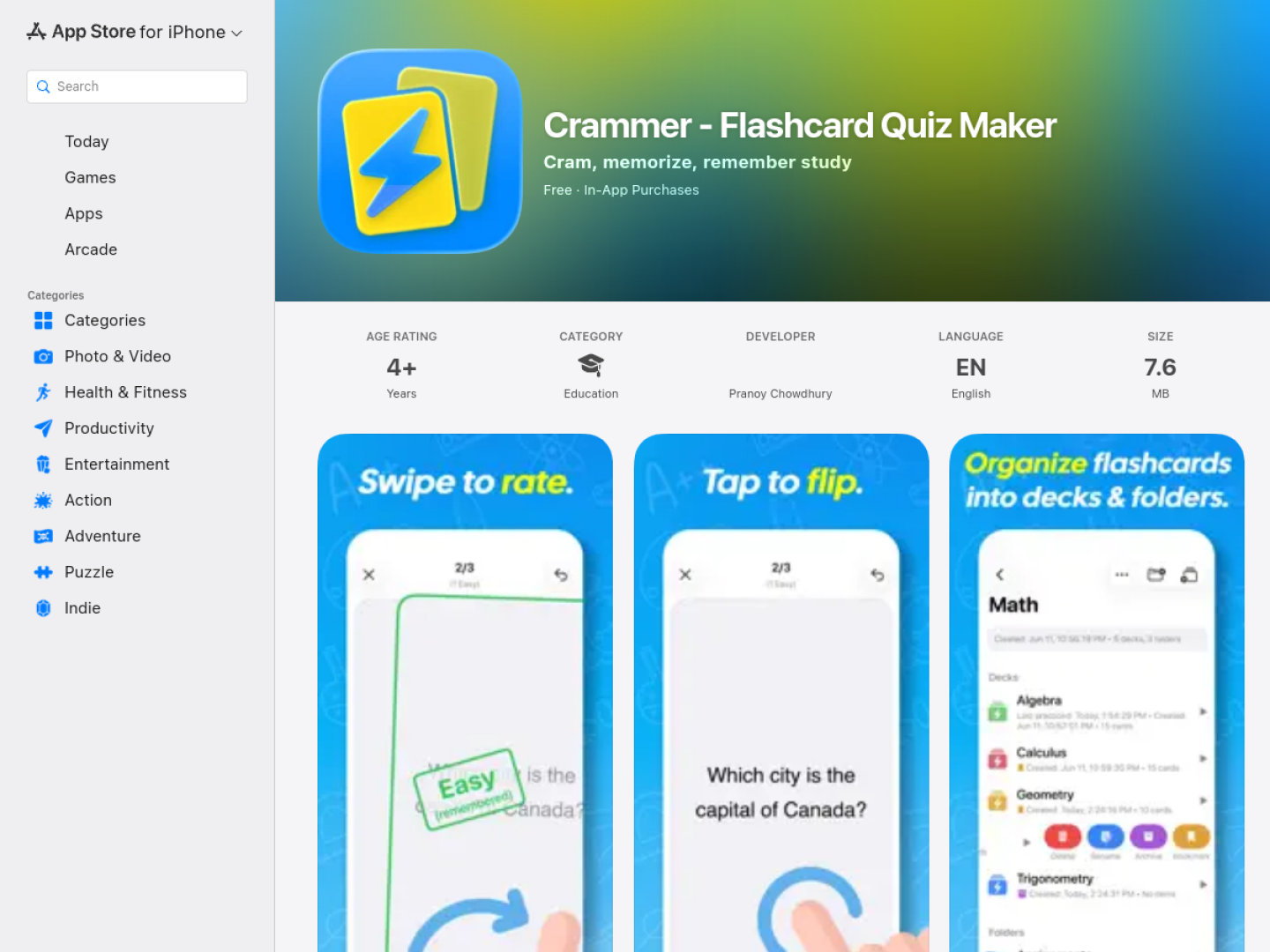
Study with flashcards built around spaced repetition and active recall, with Markdown, LaTeX, images, quizzes, and iCloud sync across Apple devices.
Release notes parsed from trusted records and kept on this page. History provides context; a future Watch alert starts from a fresh baseline.
No trusted release history yet.
We have not observed a structured App Store, Sparkle, GitHub, or package release for Crammer - Flashcard Quiz Maker. Future official changes can still establish a Watch baseline.
Be the first to request it
Request the same source-linked purchase brief shown in the completed example below. Your email starts the request and receives the result.
Want it sooner? Independent demand changes queue priority.
Completed example · CleanShot X data
Everything below belongs to CleanShot X. It is a real, completed example—not research about Crammer - Flashcard Quiz Maker.

CleanShot X
Example data
 Completed research example
Most repeated positive
13authors
“cleanshotx - scrolling screenshots is much more robust.”Evidence: r/macapps · Shottr vs CleanShot X in 2026. Which one are you actually sticking with?
Most repeated concern
16authors
“I don't think it makes sense to spend the money for Cleanshot when other apps do most of what it does for a lot less or free.”Evidence: r/macapps · Shottr vs CleanShot X in 2026. Which one are you actually sticking with?
Product context
Official or maker-supplied product information. It is kept separate from buyer evidence and independent purchase verification.
Crammer is a flashcard app for iPhone, iPad, and Mac. Its study flow shows the question side first, then reveals the answer after a tap. The learner rates recall by swiping right for easy, left for forgotten, or down when the answer took effort and should be reviewed again. Its spaced-repetition system prioritizes harder cards and schedules review before material is likely to be forgotten.
Cards can be written individually or imported in bulk from structured text. Both sides support Markdown, LaTeX math, links, images, text color, and highlighting. Decks and folders can contain subdecks and subfolders, while a card may belong to multiple decks. Bookmarks collect important cards for focused practice, and archives keep older material out of the active library.
The trial is limited to 15 flashcards. A one-time in-app purchase unlocks unlimited cards and lifetime access to all features; the official listing states that Crammer has no ads and no subscription.
More Education apps from the directory.