Most repeated positive
13authors
A complete feature set
“cleanshotx - scrolling screenshots is much more robust.”Evidence: r/macapps · Shottr vs CleanShot X in 2026. Which one are you actually sticking with?
Save and switch complete Mac workspaces by restoring Dock layouts, apps, folders, browser profiles, Shortcuts, and Focus modes from reusable presets.
Release notes parsed from trusted records and kept on this page. History provides context; a future Watch alert starts from a fresh baseline.
This trusted record verifies the release, but it did not include written release notes.
Be the first to request it
Request the same source-linked purchase brief shown in the completed example below. Your email starts the request and receives the result.
Want it sooner? Independent demand changes queue priority.
Completed example · CleanShot X data
Everything below belongs to CleanShot X. It is a real, completed example—not research about DockFlow.

CleanShot X
Example data
 Completed research example
Most repeated positive
13authors
“cleanshotx - scrolling screenshots is much more robust.”Evidence: r/macapps · Shottr vs CleanShot X in 2026. Which one are you actually sticking with?
Most repeated concern
16authors
“I don't think it makes sense to spend the money for Cleanshot when other apps do most of what it does for a lot less or free.”Evidence: r/macapps · Shottr vs CleanShot X in 2026. Which one are you actually sticking with?
Field notes from people who used DockFlow. The opinions are theirs; quoted facts are re-checked by AI Research.
Product context
Official or maker-supplied product information. It is kept separate from buyer evidence and independent purchase verification.
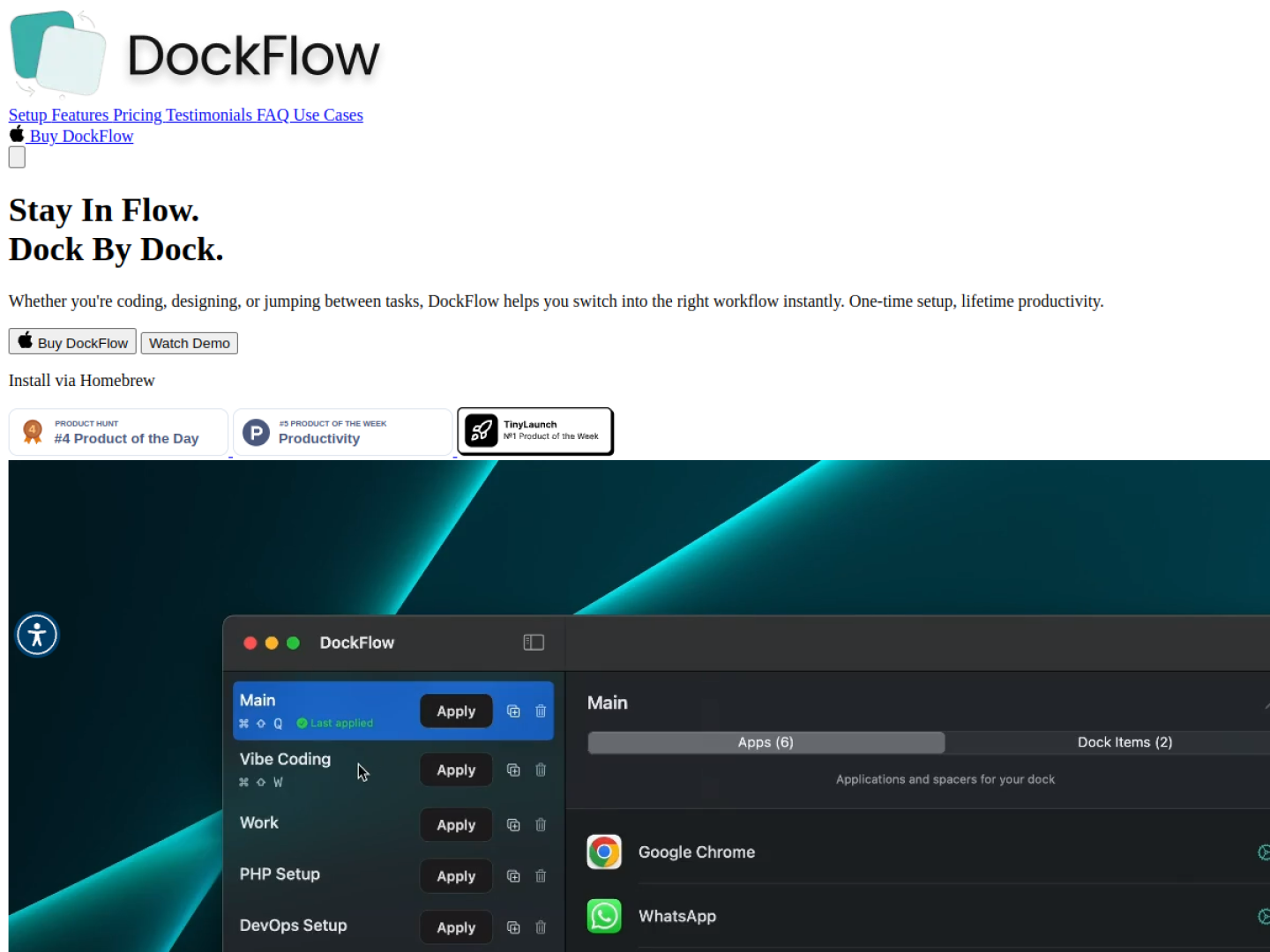
DockFlow turns a macOS Dock arrangement into a reusable preset. Open the apps used for a workflow, give the layout a name, and save the current Dock. Later, a preset can restore that context with one click or a keyboard shortcut, closing apps that are not needed and launching the ones that are.
A preset can include apps, folders, and files. DockFlow can also open a specific browser profile or launch an IDE with the right project, so a saved Dock can represent a complete working context rather than a cosmetic arrangement. It works with the native macOS Dock and supports automation through Apple Shortcuts and Focus modes.
DockFlow says its normal setup requires no permissions and requires macOS 13.5 or later. The official site offers one-year, lifetime, and team licensing options, with a 30-day money-back guarantee. Team plans add license management and email-based assignment.
Recent conversations with a verified link to this App.

27 upvotes · 30 comments ·
28 upvotes · 45 comments ·
43 upvotes · 101 comments ·
5 upvotes · 34 comments ·
More Window & Workspace apps from the directory.