Most repeated positive
13authors
A complete feature set
“cleanshotx - scrolling screenshots is much more robust.”Evidence: r/macapps · Shottr vs CleanShot X in 2026. Which one are you actually sticking with?
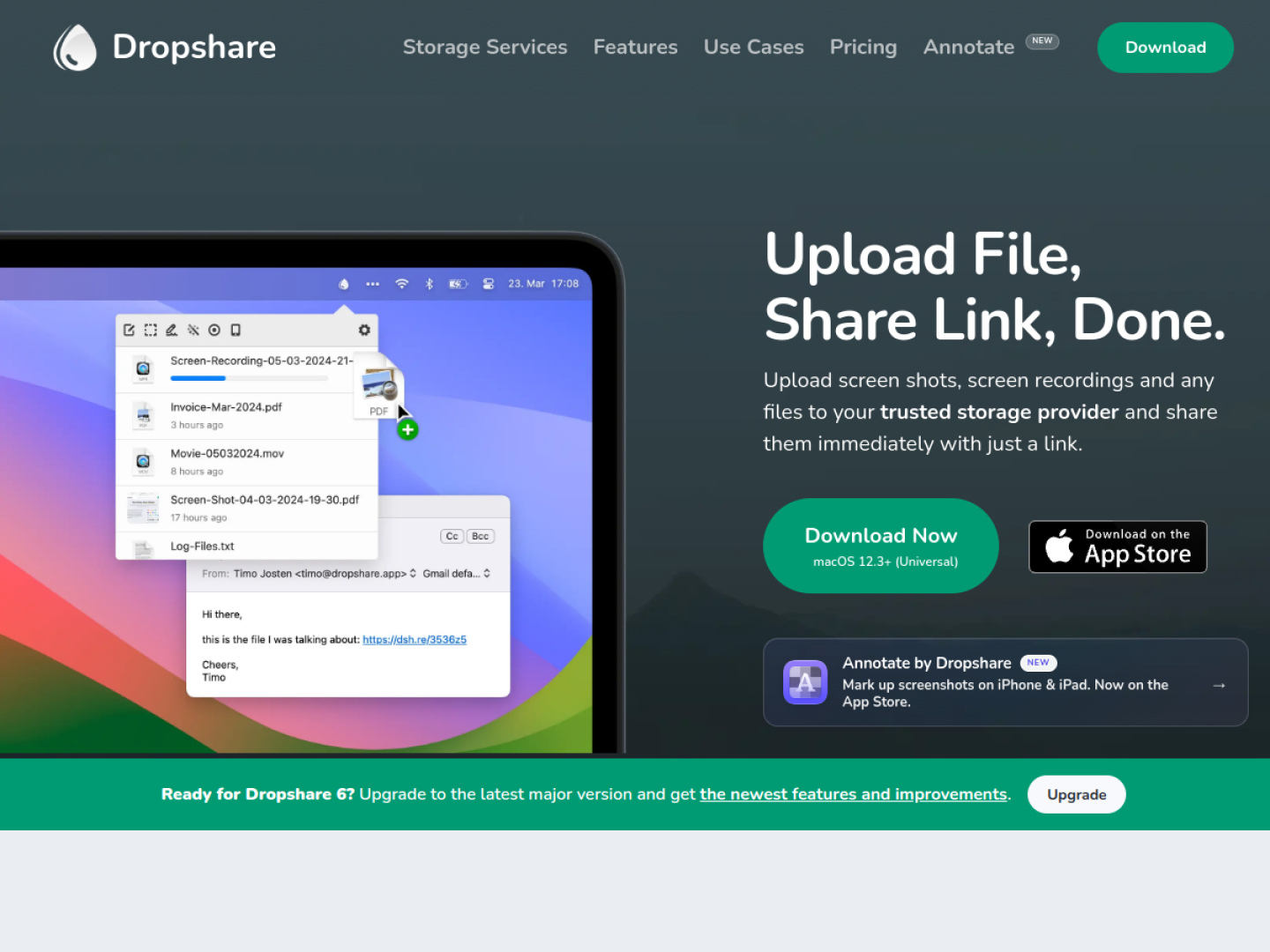
Dropshare - Upload Screen Shots, Screen Recordings, Files, Folders, just anything with Dropshare on macOS and iOS.
Release notes parsed from trusted records and kept on this page. History provides context; a future Watch alert starts from a fresh baseline.
This trusted record verifies the release, but it did not include written release notes.
Be the first to request it
Request the same source-linked purchase brief shown in the completed example below. Your email starts the request and receives the result.
Want it sooner? Independent demand changes queue priority.
Completed example · CleanShot X data
Everything below belongs to CleanShot X. It is a real, completed example—not research about Dropshare.

CleanShot X
Example data
 Completed research example
Most repeated positive
13authors
“cleanshotx - scrolling screenshots is much more robust.”Evidence: r/macapps · Shottr vs CleanShot X in 2026. Which one are you actually sticking with?
Most repeated concern
16authors
“I don't think it makes sense to spend the money for Cleanshot when other apps do most of what it does for a lot less or free.”Evidence: r/macapps · Shottr vs CleanShot X in 2026. Which one are you actually sticking with?
Product context
Official or maker-supplied product information. It is kept separate from buyer evidence and independent purchase verification.
Dropshare is a menu-bar utility for uploading screenshots, screen recordings, files, and folders to storage you control. Uploads can start through drag and drop, a keyboard shortcut, the macOS share menu, Shortcuts automation, Finder, or a desktop upload zone. When a transfer finishes, Dropshare produces a link that is ready to send.
The official site lists more than 36 storage integrations, spanning consumer drives, S3-compatible object storage, image hosts, SFTP, FTP, SCP, WebDAV, and custom services. Multiple destinations can coexist, so personal and work uploads can go to different accounts. Transfers run directly from the device to the configured provider rather than being staged on Dropshare infrastructure.
Dropshare combines capture, storage selection, and link creation in one repeatable flow. Its broad provider support is central: teams can keep using their own server or cloud account while gaining the fast sharing experience of a dedicated Mac utility.
Recent conversations with a verified link to this App.

6 upvotes · 10 comments ·
More Productivity apps from the directory.