Most repeated positive
13authors
A complete feature set
“cleanshotx - scrolling screenshots is much more robust.”Evidence: r/macapps · Shottr vs CleanShot X in 2026. Which one are you actually sticking with?

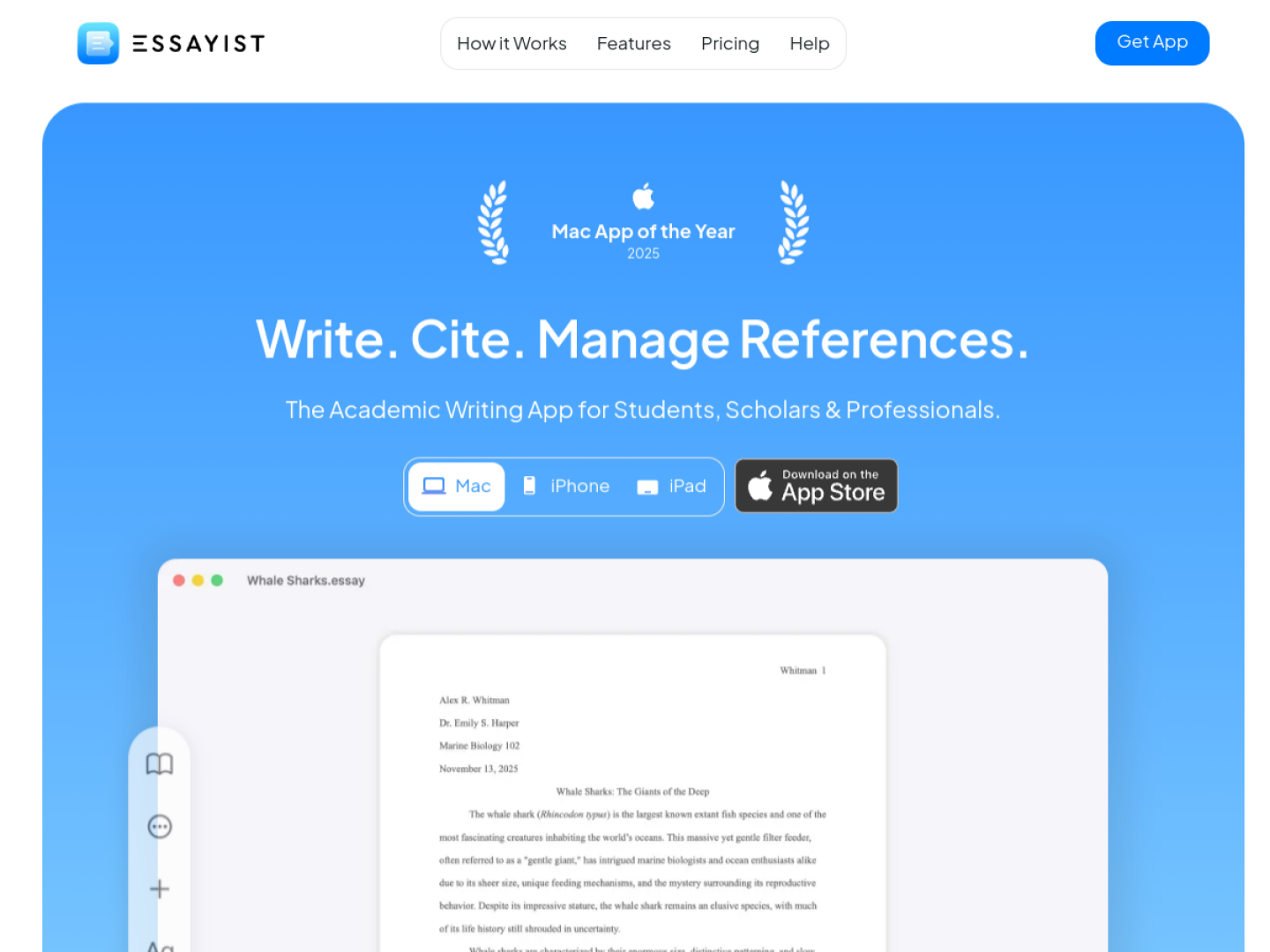
Create properly formatted academic papers with built-in APA, MLA, Chicago, and Harvard styles, citation management, automatic bibliographies, and Apple device sync.
Release notes parsed from trusted records and kept on this page. History provides context; a future Watch alert starts from a fresh baseline.
No trusted release history yet.
We have not observed a structured App Store, Sparkle, GitHub, or package release for Essayist. Future official changes can still establish a Watch baseline.
Be the first to request it
Request the same source-linked purchase brief shown in the completed example below. Your email starts the request and receives the result.
Want it sooner? Independent demand changes queue priority.
Completed example · CleanShot X data
Everything below belongs to CleanShot X. It is a real, completed example—not research about Essayist.

CleanShot X
Example data
 Completed research example
Most repeated positive
13authors
“cleanshotx - scrolling screenshots is much more robust.”Evidence: r/macapps · Shottr vs CleanShot X in 2026. Which one are you actually sticking with?
Most repeated concern
16authors
“I don't think it makes sense to spend the money for Cleanshot when other apps do most of what it does for a lot less or free.”Evidence: r/macapps · Shottr vs CleanShot X in 2026. Which one are you actually sticking with?
Product context
Official or maker-supplied product information. It is kept separate from buyer evidence and independent purchase verification.
Essayist combines academic writing and reference management in one app for Mac, iPhone, and iPad. Start by choosing APA, MLA, Chicago/Turabian, or Harvard, then write in a document whose page setup, citations, footnotes, references, and bibliography are formatted by the app. Citations can be inserted from the project’s reference list without interrupting the draft.
The built-in Reference Manager stores and organizes sources, then generates the bibliography from what you cite. Officially documented input routes and document tools include:
Essayist can place figures, tables, and equations while managing titles, captions, and numbering. It also supports structural sections such as an abstract, table of contents, chapters, and appendices. That makes the workspace relevant to essays, dissertations, reports, and other formal papers where consistency across many moving parts matters. Apple named Essayist Mac App of the Year 2025, a distinction linked from the official product page.
More Writing apps from the directory.