Most repeated positive
13authors
A complete feature set
“cleanshotx - scrolling screenshots is much more robust.”Evidence: r/macapps · Shottr vs CleanShot X in 2026. Which one are you actually sticking with?

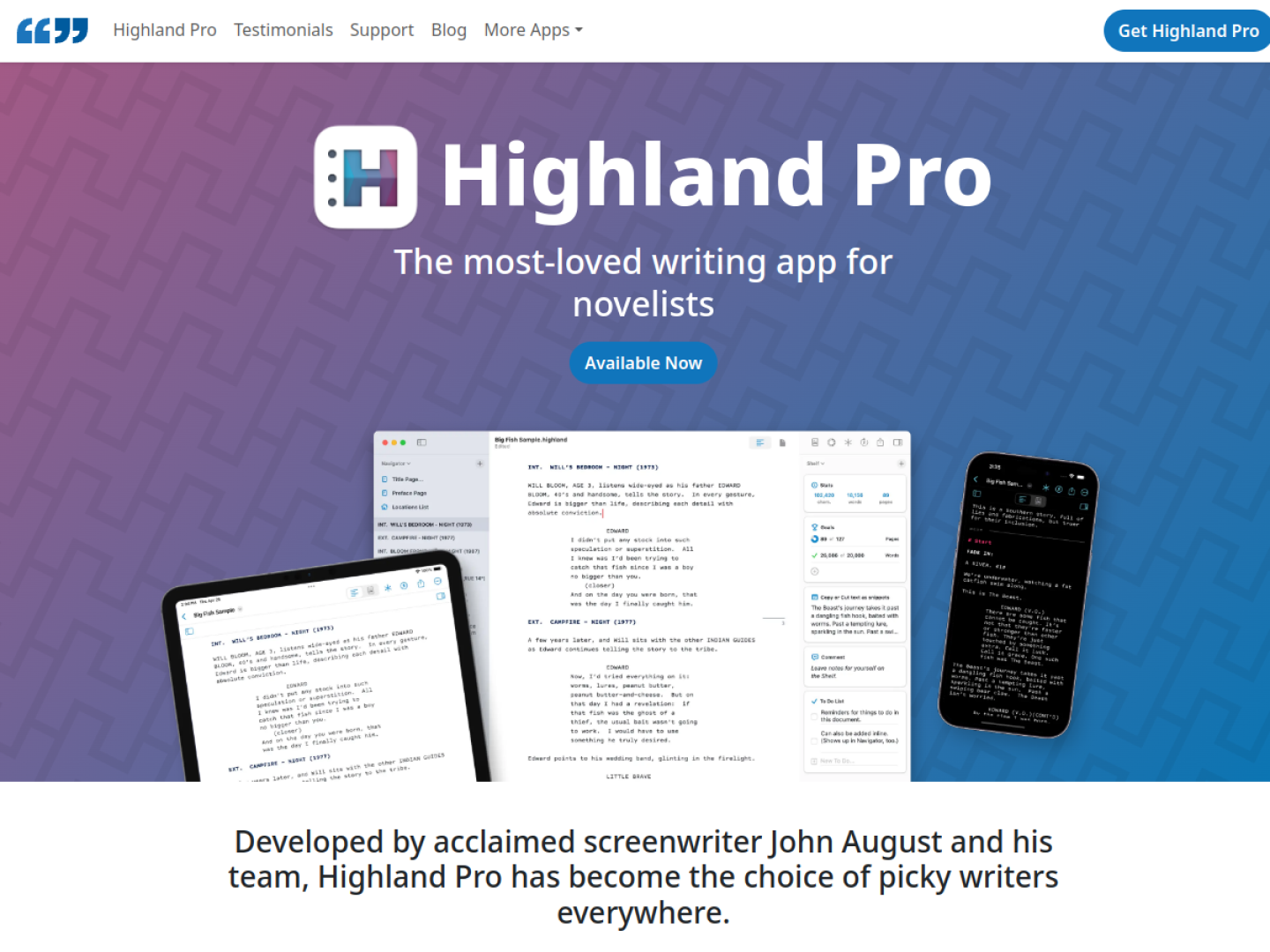
Write screenplays, novels, and long-form projects in a focused editor with Fountain formatting, automatic pagination, writing sprints, and iCloud sync.
Release notes parsed from trusted records and kept on this page. History provides context; a future Watch alert starts from a fresh baseline.
No trusted release history yet.
We have not observed a structured App Store, Sparkle, GitHub, or package release for Highland Pro. Future official changes can still establish a Watch baseline.
Be the first to request it
Request the same source-linked purchase brief shown in the completed example below. Your email starts the request and receives the result.
Want it sooner? Independent demand changes queue priority.
Completed example · CleanShot X data
Everything below belongs to CleanShot X. It is a real, completed example—not research about Highland Pro.

CleanShot X
Example data
 Completed research example
Most repeated positive
13authors
“cleanshotx - scrolling screenshots is much more robust.”Evidence: r/macapps · Shottr vs CleanShot X in 2026. Which one are you actually sticking with?
Most repeated concern
16authors
“I don't think it makes sense to spend the money for Cleanshot when other apps do most of what it does for a lot less or free.”Evidence: r/macapps · Shottr vs CleanShot X in 2026. Which one are you actually sticking with?
Product context
Official or maker-supplied product information. It is kept separate from buyer evidence and independent purchase verification.
Highland Pro is built for screenplays, novels, and other long documents, with an interface designed to keep the draft in front of you. It runs natively on Mac, iPad, and iPhone and uses automatic iCloud sync, so a project can move between devices without changing editors. Writing sprints, customizable themes, and a distraction-free view support focused sessions.
The app combines the editor with practical tools developed for working writers:
Typing a slash opens /Lookup for quick questions such as definitions, capitals, or rhymes. Comments keep partner notes, character details, and research close to the manuscript, while To Do maintains a running checklist. The official page offers a 30-day trial and lists monthly and yearly subscription plans through the App Store.
More Writing apps from the directory.