Most repeated positive
13authors
A complete feature set
“cleanshotx - scrolling screenshots is much more robust.”Evidence: r/macapps · Shottr vs CleanShot X in 2026. Which one are you actually sticking with?

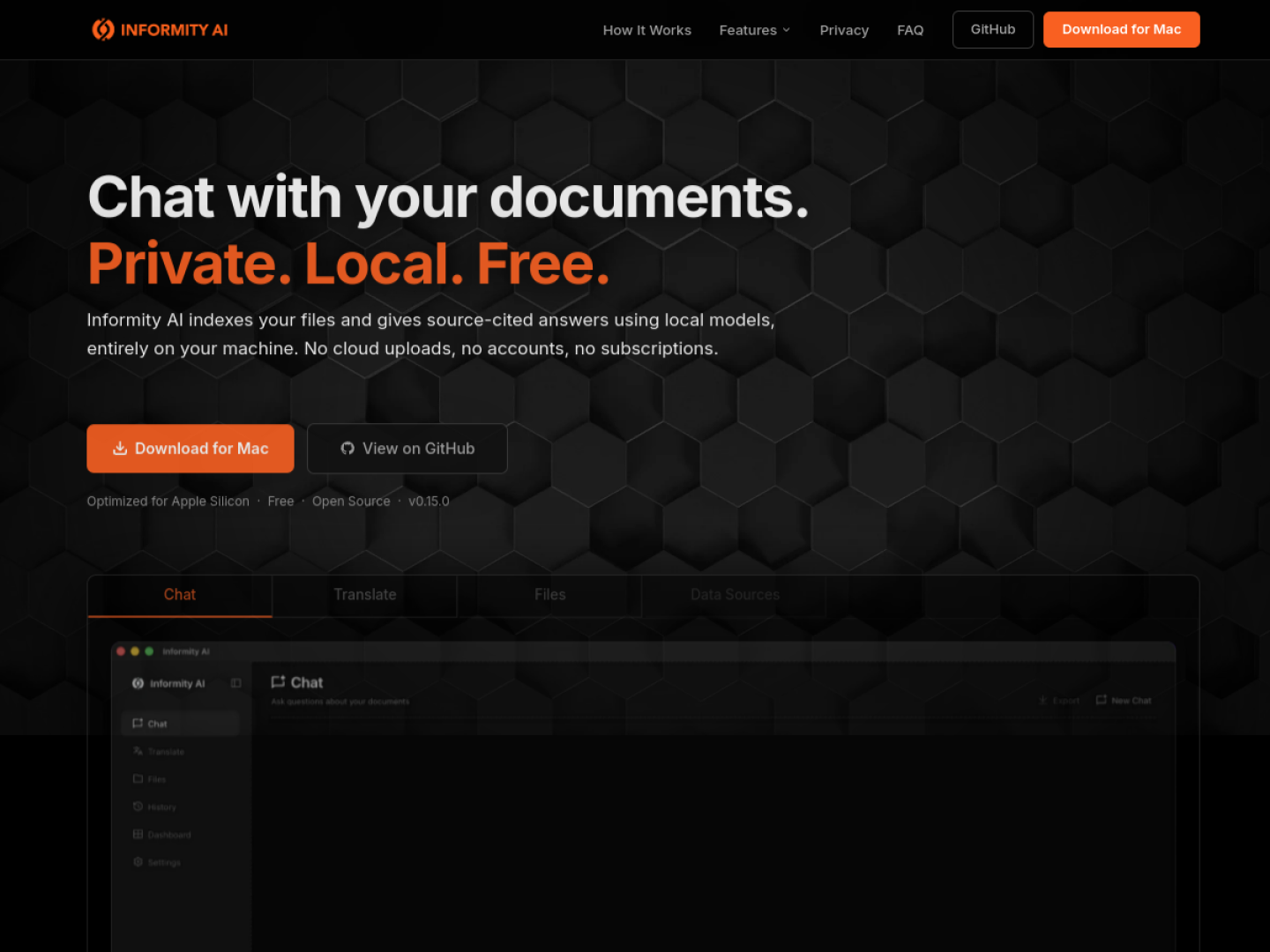
Index PDFs, Office files, and Markdown locally, then ask questions and receive source-linked answers without sending your private documents to a hosted service.
Release notes parsed from trusted records and kept on this page. History provides context; a future Watch alert starts from a fresh baseline.
No trusted release history yet.
We have not observed a structured App Store, Sparkle, GitHub, or package release for Informity AI. Future official changes can still establish a Watch baseline.
Be the first to request it
Request the same source-linked purchase brief shown in the completed example below. Your email starts the request and receives the result.
Want it sooner? Independent demand changes queue priority.
Completed example · CleanShot X data
Everything below belongs to CleanShot X. It is a real, completed example—not research about Informity AI.

CleanShot X
Example data
 Completed research example
Most repeated positive
13authors
“cleanshotx - scrolling screenshots is much more robust.”Evidence: r/macapps · Shottr vs CleanShot X in 2026. Which one are you actually sticking with?
Most repeated concern
16authors
“I don't think it makes sense to spend the money for Cleanshot when other apps do most of what it does for a lot less or free.”Evidence: r/macapps · Shottr vs CleanShot X in 2026. Which one are you actually sticking with?
Product context
Official or maker-supplied product information. It is kept separate from buyer evidence and independent purchase verification.
Informity AI indexes selected folders on a Mac and answers natural-language questions with a local model. Responses stream in the app and include citations to the exact file and passage, which can be opened for verification. Supported formats include PDF, DOCX, XLSX, CSV, PPTX, HTML, text, Markdown, RST, logs, and EPUB; optional settings add JSON, YAML, and TOML, and scanned PDFs can use OCR.
Researcher mode answers from indexed documents, while Assistant mode can handle broader questions and offers web search only when the user opts in. The app includes a bundled local model, lighter hardware profiles, and an option to connect an Ollama instance. Documents can also be translated locally with Natural, Formal, or Literal tones while preserving headings, tables, lists, and code blocks.
Indexing, embeddings, vector search, chat, and translation run on the Mac. Informity states that documents are not uploaded, no account is required, and telemetry is not collected. It is free, open source under the MIT License, and optimized for Apple Silicon; the default model recommends at least 24 GB of unified memory, with smaller profiles for 16 GB machines.
More AI apps from the directory.