Most repeated positive
13authors
A complete feature set
“cleanshotx - scrolling screenshots is much more robust.”Evidence: r/macapps · Shottr vs CleanShot X in 2026. Which one are you actually sticking with?

Install Homebrew packages, manage local services, and find what is using a port. Twenty developer tools, together in one native Mac app.
Release notes parsed from trusted records and kept on this page. History provides context; a future Watch alert starts from a fresh baseline.
No trusted release history yet.
We have not observed a structured App Store, Sparkle, GitHub, or package release for Macsmith. Future official changes can still establish a Watch baseline.
Be the first to request it
Request the same source-linked purchase brief shown in the completed example below. Your email starts the request and receives the result.
Want it sooner? Independent demand changes queue priority.
Completed example · CleanShot X data
Everything below belongs to CleanShot X. It is a real, completed example—not research about Macsmith.

CleanShot X
Example data
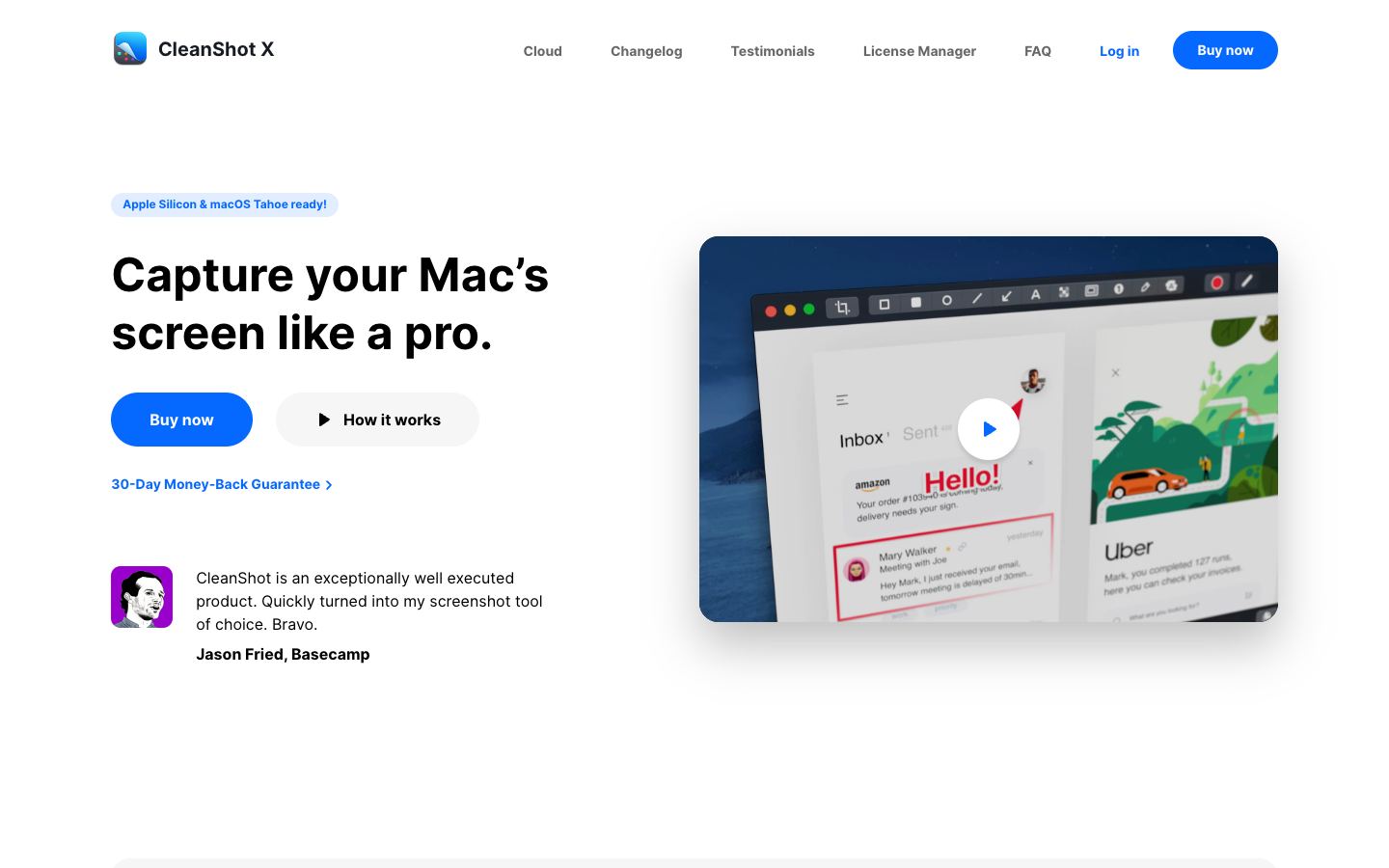 Completed research example
Most repeated positive
13authors
“cleanshotx - scrolling screenshots is much more robust.”Evidence: r/macapps · Shottr vs CleanShot X in 2026. Which one are you actually sticking with?
Most repeated concern
16authors
“I don't think it makes sense to spend the money for Cleanshot when other apps do most of what it does for a lot less or free.”Evidence: r/macapps · Shottr vs CleanShot X in 2026. Which one are you actually sticking with?
Field notes from people who used Macsmith. The opinions are theirs; quoted facts are re-checked by AI Research.
Product context
Official or maker-supplied product information. It is kept separate from buyer evidence and independent purchase verification.
Macsmith brings your command-line developer tools into one native Mac GUI. Manage Homebrew packages, switch runtimes with mise and nvm, run Docker through Colima, inspect Lima virtual machines, and start or stop local PostgreSQL, MySQL, and MongoDB services.
Find what’s using a port, manage SSH keys, configure local HTTPS, expose localhost through ngrok, and edit hosts files and shell aliases. See your tools’ current state and handle everyday development tasks without looking up commands.
More Developer Tools apps from the directory.