Most repeated positive
13authors
A complete feature set
“cleanshotx - scrolling screenshots is much more robust.”Evidence: r/macapps · Shottr vs CleanShot X in 2026. Which one are you actually sticking with?

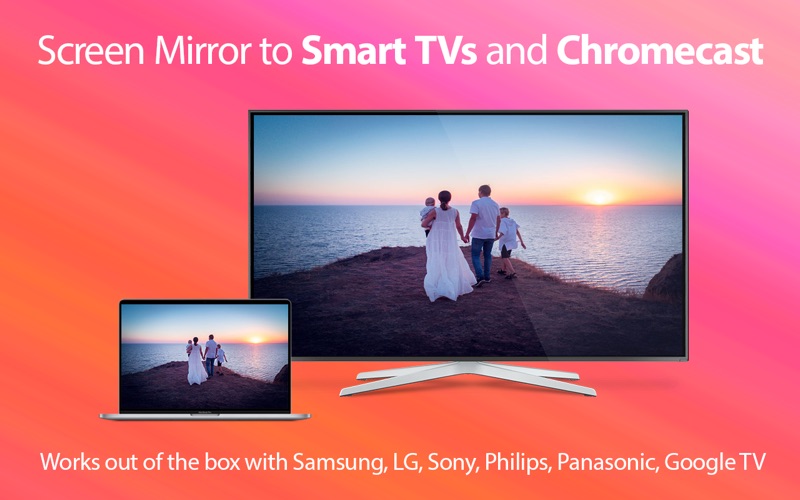
** Works out of the box, no cables required, easy-to-use user Interface ** Easily mirror your Screen, built-in Camera, video and audio devices to Smart TVs, Chromecast and mobile devices. Start mirroring with a click of a button. Easily se…
Release notes parsed from trusted records and kept on this page. History provides context; a future Watch alert starts from a fresh baseline.
[added] Native support for Apple Silicon [fixed] Chromecast discovery with friendly name [fixed] Various bugs
Be the first to request it
Request the same source-linked purchase brief shown in the completed example below. Your email starts the request and receives the result.
Want it sooner? Independent demand changes queue priority.
Completed example · CleanShot X data
Everything below belongs to CleanShot X. It is a real, completed example—not research about Mirror My Screen.

CleanShot X
Example data
 Completed research example
Most repeated positive
13authors
“cleanshotx - scrolling screenshots is much more robust.”Evidence: r/macapps · Shottr vs CleanShot X in 2026. Which one are you actually sticking with?
Most repeated concern
16authors
“I don't think it makes sense to spend the money for Cleanshot when other apps do most of what it does for a lot less or free.”Evidence: r/macapps · Shottr vs CleanShot X in 2026. Which one are you actually sticking with?
Product context
Official or maker-supplied product information. It is kept separate from buyer evidence and independent purchase verification.
** Works out of the box, no cables required, easy-to-use user Interface **
Easily mirror your Screen, built-in Camera, video and audio devices to Smart TVs, Chromecast and mobile devices.
Start mirroring with a click of a button. Easily select any video and audio device, control your Smart TV and monitor the CPU usage.
** Scan QR code to instantly stream to any mobile screen ** Simply point the camera to the QR code. The Camera app (on iOS and iPadOS) helps you to start watching your Desktop or the built in camera of your Mac.
** Important notes ** - Mirroring is not suitable for gaming: Streaming will have a delay for couple of seconds due to technical limitations.
- Mirror My Screen can only stream virtual audio devices (additional free audio driver might need to be installed)
- Mirroring is only available for devices on the same local network as your Mac. The connection can be wireless, using WiFi or wired, using Ethernet.
- DRM protected content (HBO Go, Netflix, iTunes movies, etc.) may not be suitable for streaming
- Mirror My Screen uses HTTP Live Streaming (HLS) protocol, an adaptive bitrate streaming communications developed by Apple Inc. There are freely available HLS players on every major platform.
Feel free to contact us and check out the FAQ on our Support Page.
[added] Native support for Apple Silicon [fixed] Chromecast discovery with friendly name [fixed] Various bugs
More Entertainment apps from the directory.


