Most repeated positive
13authors
A complete feature set
“cleanshotx - scrolling screenshots is much more robust.”Evidence: r/macapps · Shottr vs CleanShot X in 2026. Which one are you actually sticking with?

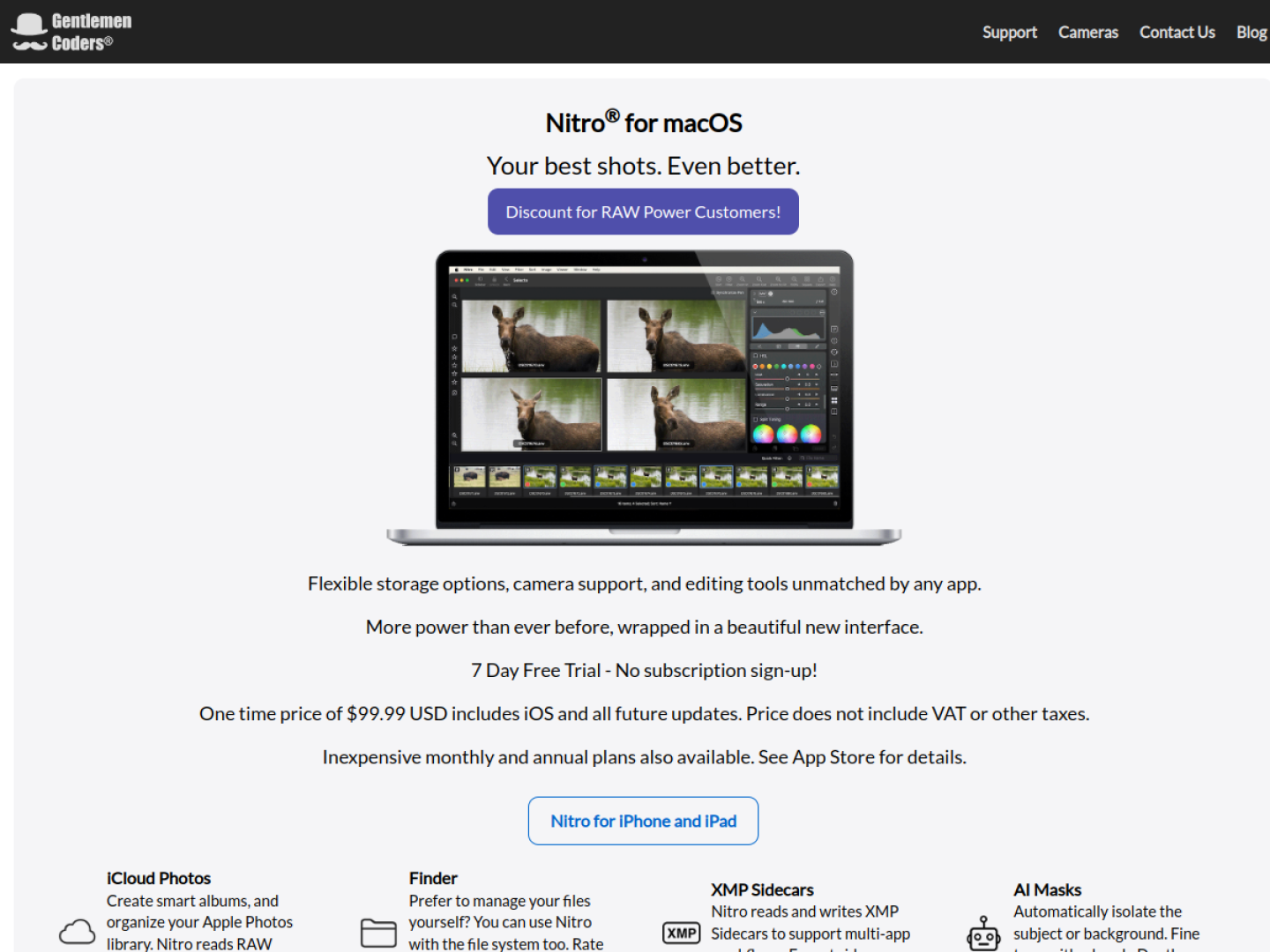
Organize and edit RAW photos with batch processing, local adjustments, lens correction, side-by-side comparison, and the native macOS imaging engine.
Release notes parsed from trusted records and kept on this page. History provides context; a future Watch alert starts from a fresh baseline.
No trusted release history yet.
We have not observed a structured App Store, Sparkle, GitHub, or package release for Nitro Photo. Future official changes can still establish a Watch baseline.
Be the first to request it
Request the same source-linked purchase brief shown in the completed example below. Your email starts the request and receives the result.
Want it sooner? Independent demand changes queue priority.
Completed example · CleanShot X data
Everything below belongs to CleanShot X. It is a real, completed example—not research about Nitro Photo.

CleanShot X
Example data
 Completed research example
Most repeated positive
13authors
“cleanshotx - scrolling screenshots is much more robust.”Evidence: r/macapps · Shottr vs CleanShot X in 2026. Which one are you actually sticking with?
Most repeated concern
16authors
“I don't think it makes sense to spend the money for Cleanshot when other apps do most of what it does for a lot less or free.”Evidence: r/macapps · Shottr vs CleanShot X in 2026. Which one are you actually sticking with?
Product context
Official or maker-supplied product information. It is kept separate from buyer evidence and independent purchase verification.
Nitro Photo is a RAW workflow for macOS that can browse Apple Photos libraries, Finder folders, or individual files. In Photos, it can create smart albums and sync ratings and flags through iCloud. Finder-based workflows stay non-destructive through XMP sidecars, which Nitro reads and writes for use alongside other photography apps. The Photos Extension carries the app’s editing tools into Apple Photos.
The official feature set covers selection, correction, local editing, and export:
Nitro can show as many as 16 images with synchronized pan and zoom. Filters narrow a collection by rating, flag, file type, date range, and other criteria, while metadata views integrate ExifTool and maps for GPS information. The official page offers a seven-day trial without subscription signup, plus a one-time purchase and subscription options; the one-time license includes the iOS version and future updates.
More Photography apps from the directory.