Most repeated positive
13authors
A complete feature set
“cleanshotx - scrolling screenshots is much more robust.”Evidence: r/macapps · Shottr vs CleanShot X in 2026. Which one are you actually sticking with?

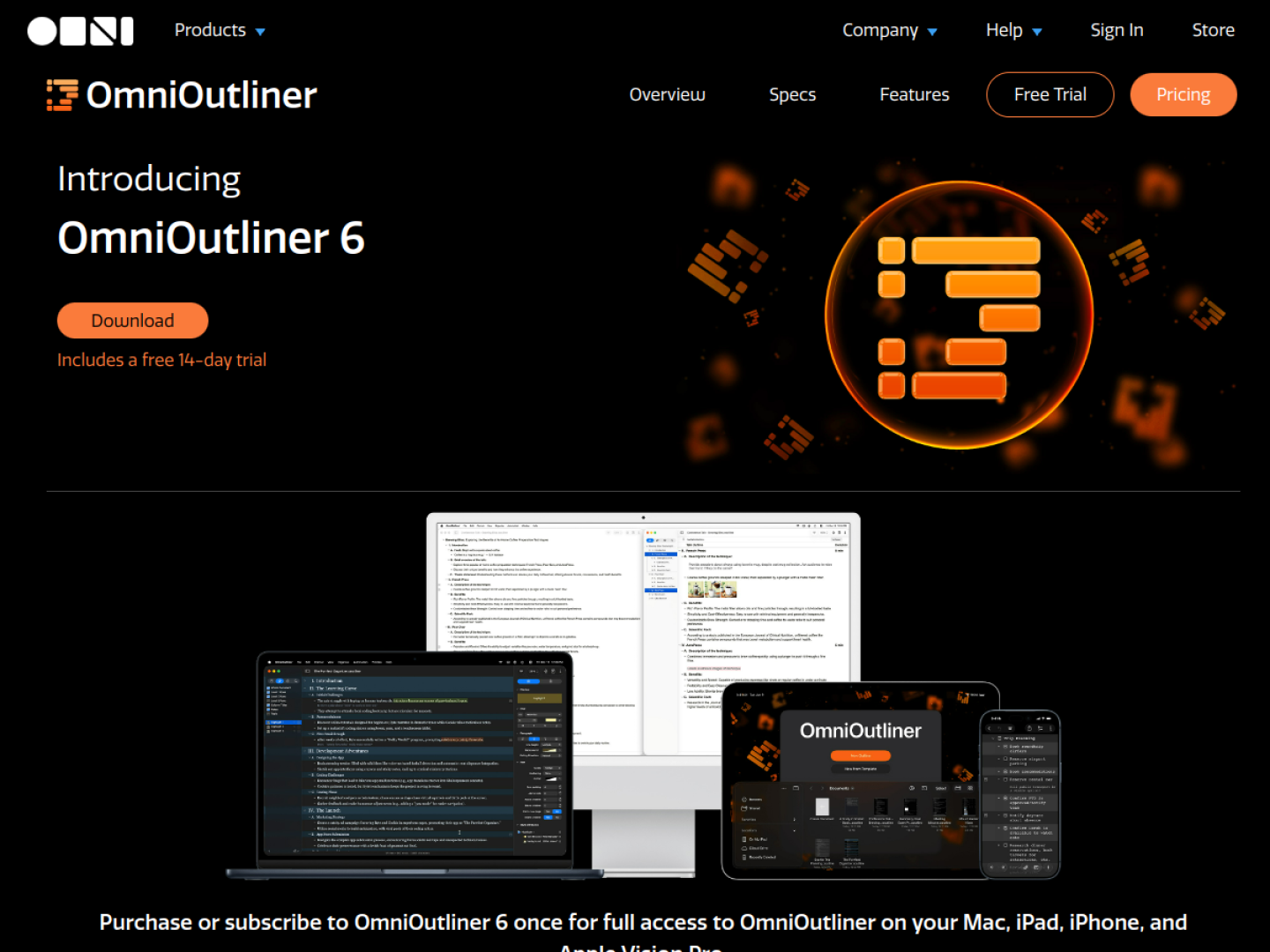
Build structured outlines across Mac, iPhone, iPad, and Apple Vision Pro with flexible columns, dynamic themes, automation, and Apple Intelligence support.
Release notes parsed from trusted records and kept on this page. History provides context; a future Watch alert starts from a fresh baseline.
No trusted release history yet.
We have not observed a structured App Store, Sparkle, GitHub, or package release for OmniOutliner 6. Future official changes can still establish a Watch baseline.
Be the first to request it
Request the same source-linked purchase brief shown in the completed example below. Your email starts the request and receives the result.
Want it sooner? Independent demand changes queue priority.
Completed example · CleanShot X data
Everything below belongs to CleanShot X. It is a real, completed example—not research about OmniOutliner 6.

CleanShot X
Example data
 Completed research example
Most repeated positive
13authors
“cleanshotx - scrolling screenshots is much more robust.”Evidence: r/macapps · Shottr vs CleanShot X in 2026. Which one are you actually sticking with?
Most repeated concern
16authors
“I don't think it makes sense to spend the money for Cleanshot when other apps do most of what it does for a lot less or free.”Evidence: r/macapps · Shottr vs CleanShot X in 2026. Which one are you actually sticking with?
Field notes from people who used OmniOutliner 6. The opinions are theirs; quoted facts are re-checked by AI Research.
Product context
Official or maker-supplied product information. It is kept separate from buyer evidence and independent purchase verification.
OmniOutliner 6 is a cross-device outlining workspace for organizing information before it becomes a document, plan, or checklist. Its hierarchy supports unlimited nesting, while expand-and-collapse controls let you move between the full picture and a focused branch. Rows can carry notes, and status checkboxes can turn the same structure into an actionable list.
Essentials keeps the interface focused around core outlining, styling, and organization. Pro adds tools for workflows that need richer structure or repeatable automation:
A single purchase or subscription provides access on Mac, iPad, iPhone, and Apple Vision Pro. Version 6 adds universal licensing, closer feature parity across platforms, Dynamic Themes that react to Light or Dark Mode, and Omni Links that can point to a document or a specific place inside it. The current product page lists version 6.2 and a 14-day Mac trial.
More Notes & Knowledge apps from the directory.

