Most repeated positive
13authors
A complete feature set
“cleanshotx - scrolling screenshots is much more robust.”Evidence: r/macapps · Shottr vs CleanShot X in 2026. Which one are you actually sticking with?

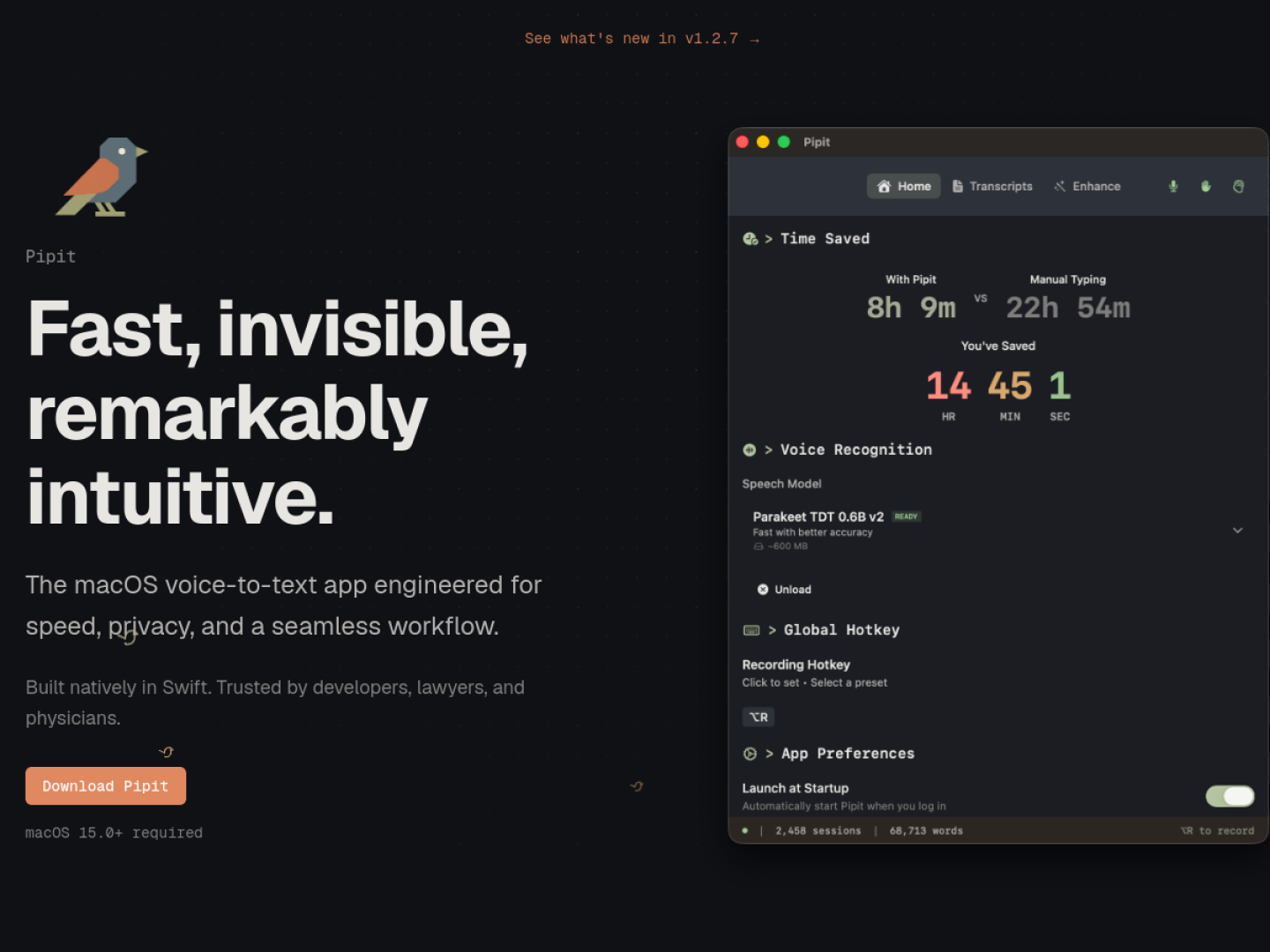
Turn speech into text from anywhere on your Mac with a global shortcut, low-latency local transcription, file processing, and native Swift performance.
Release notes parsed from trusted records and kept on this page. History provides context; a future Watch alert starts from a fresh baseline.
No trusted release history yet.
We have not observed a structured App Store, Sparkle, GitHub, or package release for Pipit. Future official changes can still establish a Watch baseline.
Be the first to request it
Request the same source-linked purchase brief shown in the completed example below. Your email starts the request and receives the result.
Want it sooner? Independent demand changes queue priority.
Completed example · CleanShot X data
Everything below belongs to CleanShot X. It is a real, completed example—not research about Pipit.

CleanShot X
Example data
 Completed research example
Most repeated positive
13authors
“cleanshotx - scrolling screenshots is much more robust.”Evidence: r/macapps · Shottr vs CleanShot X in 2026. Which one are you actually sticking with?
Most repeated concern
16authors
“I don't think it makes sense to spend the money for Cleanshot when other apps do most of what it does for a lot less or free.”Evidence: r/macapps · Shottr vs CleanShot X in 2026. Which one are you actually sticking with?
Field notes from people who used Pipit. The opinions are theirs; quoted facts are re-checked by AI Research.
Product context
Official or maker-supplied product information. It is kept separate from buyer evidence and independent purchase verification.
Pipit is a native Swift voice-to-text utility for macOS 15 or later. It runs in the background: hold the Option key, speak, then release to paste the transcription into the active app. The overlay appears when recording begins, so the workflow does not require opening a separate editor or moving text manually. Real-time transcription is performed with local AI.
A Unified Timeline puts transcriptions and copied items into one searchable history. Pipit also includes tools that shape raw input for everyday work:
The official page says Pipit can use a user-provided API key, custom endpoints, or local models through Ollama. This separates the fast, local transcription path from optional formatting and action workflows. The product page currently identifies version 1.2.7 and links its download through GitHub, while the documentation and privacy pages remain available from the site footer.
More Writing & Documents apps from the directory.