Most repeated positive
13authors
A complete feature set
“cleanshotx - scrolling screenshots is much more robust.”Evidence: r/macapps · Shottr vs CleanShot X in 2026. Which one are you actually sticking with?
Turns your rough notes into finished drafts with AI on macOS
Release notes parsed from trusted records and kept on this page. History provides context; a future Watch alert starts from a fresh baseline.
No trusted release history yet.
We have not observed a structured App Store, Sparkle, GitHub, or package release for Writers Brew. Future official changes can still establish a Watch baseline.
Be the first to request it
Request the same source-linked purchase brief shown in the completed example below. Your email starts the request and receives the result.
Want it sooner? Independent demand changes queue priority.
Completed example · CleanShot X data
Everything below belongs to CleanShot X. It is a real, completed example—not research about Writers Brew.

CleanShot X
Example data
 Completed research example
Most repeated positive
13authors
“cleanshotx - scrolling screenshots is much more robust.”Evidence: r/macapps · Shottr vs CleanShot X in 2026. Which one are you actually sticking with?
Most repeated concern
16authors
“I don't think it makes sense to spend the money for Cleanshot when other apps do most of what it does for a lot less or free.”Evidence: r/macapps · Shottr vs CleanShot X in 2026. Which one are you actually sticking with?
Product context
Official or maker-supplied product information. It is kept separate from buyer evidence and independent purchase verification.
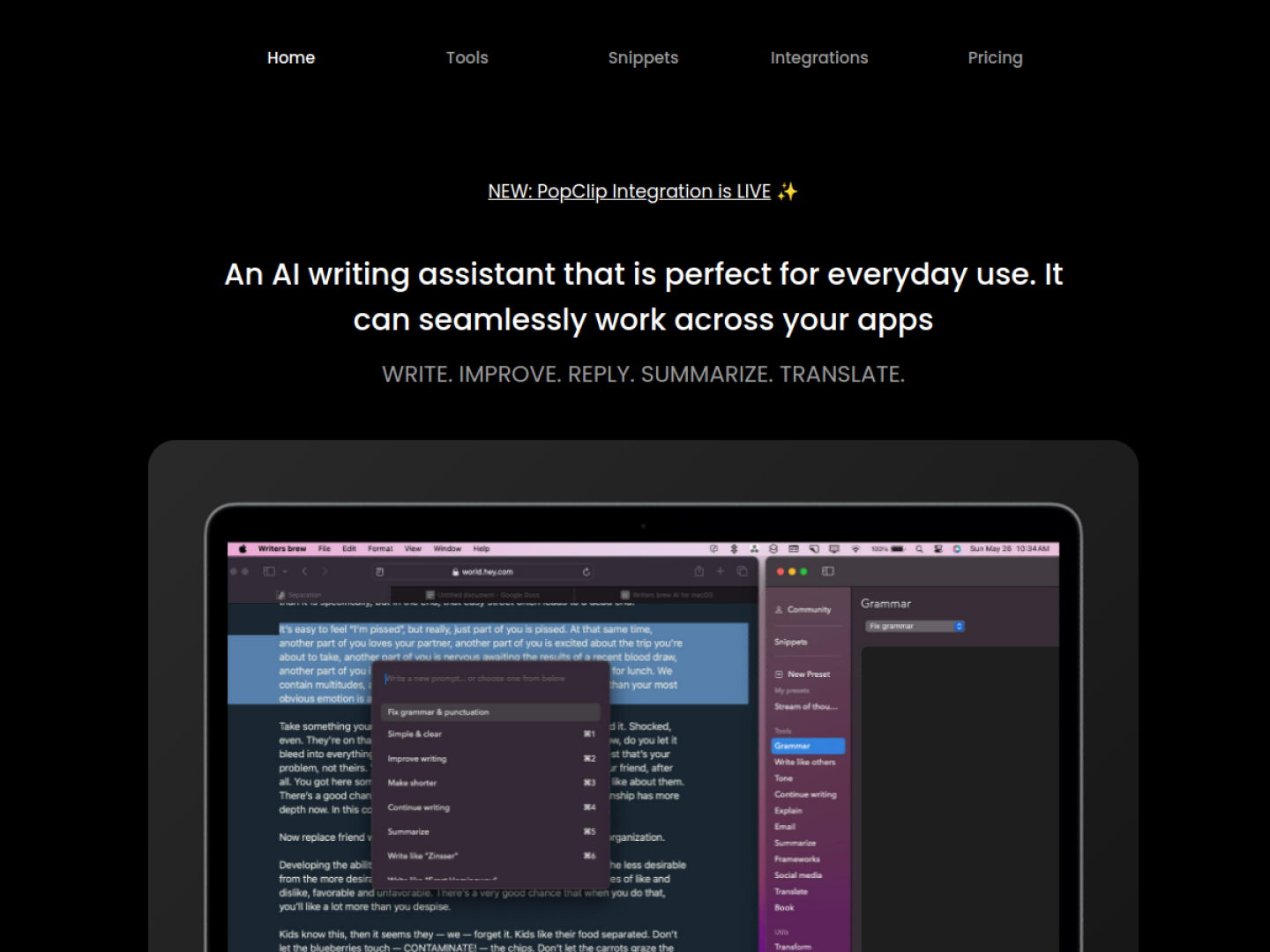
Writers Brew is an AI writing assistant that works around the text editor already in use. Highlight text in a native app, browser, or Electron app, then invoke a command from its Spotlight-like interface, menu bar, full app, or a keyboard shortcut. Its built-in actions cover rewriting, explaining, summarizing, translating, and drafting replies, while custom presets let users save their own prompt instructions.
The official site combines AI features with non-AI text utilities and snippet expansion. Utilities handle operations such as finding and replacing text, adding prefixes or suffixes, extracting email addresses or URLs, sorting lines, and changing case. Snippets can include live placeholders for the date, time, day, or clipboard, plus custom placeholders that open as a small form before insertion.
Writers Brew keeps editing close to the original document. It is useful when the desired result should return to Notes, Mail, a browser editor, or another Mac text field, while snippets and deterministic utilities cover repetitive text work that does not require an AI model.
More Notes & Knowledge apps from the directory.