Most repeated positive
13authors
A complete feature set
“cleanshotx - scrolling screenshots is much more robust.”Evidence: r/macapps · Shottr vs CleanShot X in 2026. Which one are you actually sticking with?

Now you no longer need to switch to the Yandex Music tab to control the playback of media content. Just click on the extension icon on the Safari toolbar. *** For macOS 14 Sonoma and later versions, you can control the playback of the Yand…
Release notes parsed from trusted records and kept on this page. History provides context; a future Watch alert starts from a fresh baseline.
Now the extension slightly tidies up the Yandex Music page; Fixed a bug that made it impossible to open track sheets; Code refactoring;
Be the first to request it
Request the same source-linked purchase brief shown in the completed example below. Your email starts the request and receives the result.
Want it sooner? Independent demand changes queue priority.
Completed example · CleanShot X data
Everything below belongs to CleanShot X. It is a real, completed example—not research about Y.Wave - for Yandex Music.

CleanShot X
Example data
 Completed research example
Most repeated positive
13authors
“cleanshotx - scrolling screenshots is much more robust.”Evidence: r/macapps · Shottr vs CleanShot X in 2026. Which one are you actually sticking with?
Most repeated concern
16authors
“I don't think it makes sense to spend the money for Cleanshot when other apps do most of what it does for a lot less or free.”Evidence: r/macapps · Shottr vs CleanShot X in 2026. Which one are you actually sticking with?
Product context
Official or maker-supplied product information. It is kept separate from buyer evidence and independent purchase verification.
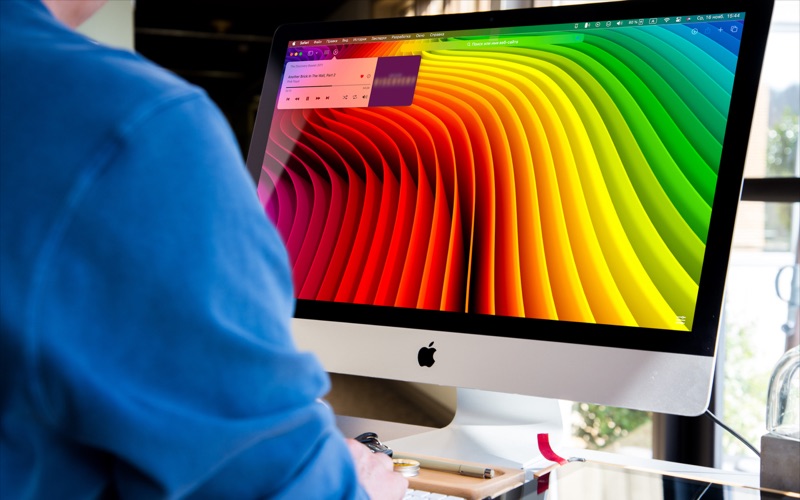
Now you no longer need to switch to the Yandex Music tab to control the playback of media content. Just click on the extension icon on the Safari toolbar.
*** For macOS 14 Sonoma and later versions, you can control the playback of the Yandex Music service using a widget on the Desktop and in the Notification Center.
The extension allows you to perform the following actions from any tab: • Stop / start playback; • Switch between tracks (previous / next); • Perform a short, fixed rewind for 10 seconds forward / backward; • To carry out free navigation to any place of the track being played; • Mark the song as liked or put a mark to skip; • Enable / disable mixing; • Set to repeat playback of both a single track and an album or playlist; • Turn on the maximum / minimum volume of the player from any volume level; • Customise the appearance of the extension; • Change the volume with the mouse wheel; • Navigate through the current playlist; • Select a playlist from the list of recently played;
The extension also allows you to view information about the track being played (title, artist name, playlist name, cover).
Terms of use and privacy policy: https://nagornyi.su/yw-eula-en https://nagornyi.su/privacy
Now the extension slightly tidies up the Yandex Music page; Fixed a bug that made it impossible to open track sheets; Code refactoring;
More Music apps from the directory.


