Most repeated positive
13authors
A complete feature set
“cleanshotx - scrolling screenshots is much more robust.”Evidence: r/macapps · Shottr vs CleanShot X in 2026. Which one are you actually sticking with?

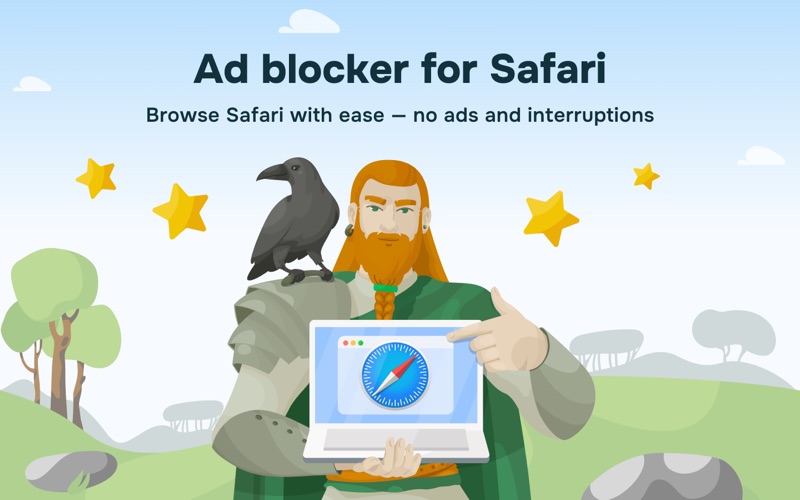
Meet AdGuard Mini (formerly AdGuard for Safari). It’s the same trusted Safari extension — now redesigned and faster, with Pro capabilities. The core ad blocking remains, while advanced features are available as an optional in-app purchase.…
Release notes parsed from trusted records and kept on this page. History provides context; a future Watch alert starts from a fresh baseline.
After the release, we got users reporting high CPU usage. Not cool, so we’re taking care of that with this hotfix.
Be the first to request it
Request the same source-linked purchase brief shown in the completed example below. Your email starts the request and receives the result.
Want it sooner? Independent demand changes queue priority.
Completed example · CleanShot X data
Everything below belongs to CleanShot X. It is a real, completed example—not research about AdGuard: Ad Blocker for Safari.

CleanShot X
Example data
 Completed research example
Most repeated positive
13authors
“cleanshotx - scrolling screenshots is much more robust.”Evidence: r/macapps · Shottr vs CleanShot X in 2026. Which one are you actually sticking with?
Most repeated concern
16authors
“I don't think it makes sense to spend the money for Cleanshot when other apps do most of what it does for a lot less or free.”Evidence: r/macapps · Shottr vs CleanShot X in 2026. Which one are you actually sticking with?
Product context
Official or maker-supplied product information. It is kept separate from buyer evidence and independent purchase verification.
Meet AdGuard Mini (formerly AdGuard for Safari). It’s the same trusted Safari extension — now redesigned and faster, with Pro capabilities. The core ad blocking remains, while advanced features are available as an optional in-app purchase.
AdGuard Mini helps keep all kinds of ads out of your Safari browser and protects your privacy. Visual clutter like banners, popups, and autoplay video is removed so only the important content stays. It also blocks trackers to prevent unnecessary data collection.
You can manage the app directly from the browser. Setup is simple — configure it in a couple of clicks and start browsing without ads and with stronger privacy.
KEY FEATURES
Block all kinds of ads in Safari — banners, video ads, popups, autoplay video, overlays Stop trackers and analytics beacons to protect your privacy Clean up annoyances: cookie notices, social widgets, sticky bars Control everything from the Safari toolbar Use element picker and manual blocking to remove anything on a page Choose from popular filter lists or add your own Create custom filtering rules with an advanced rule editor
PRO FEATURES
Real-time filter updates for precise ad-blocking AdGuard Extra to handle anti-adblock and hard cases Advanced custom filters to add any filters you wish
Pro features are available as an optional in-app purchase. A 14-day free trial is available.
Learn more about how AdGuard Mini works and find answers to the most popular questions in our Knowledge base: https://adguard.com/kb/
Need help? Open the Support section in the app or contact our support team at support@adguard.com.
Terms of Use: https://www.apple.com/legal/internet-services/itunes/dev/stdeula/
After the release, we got users reporting high CPU usage. Not cool, so we’re taking care of that with this hotfix.
More Device Controls apps from the directory.