Most repeated positive
13authors
A complete feature set
“cleanshotx - scrolling screenshots is much more robust.”Evidence: r/macapps · Shottr vs CleanShot X in 2026. Which one are you actually sticking with?
Generate stunning screenshots ready for the App Store.
Release notes parsed from trusted records and kept on this page. History provides context; a future Watch alert starts from a fresh baseline.
No trusted release history yet.
We have not observed a structured App Store, Sparkle, GitHub, or package release for Picasso. Future official changes can still establish a Watch baseline.
Be the first to request it
Request the same source-linked purchase brief shown in the completed example below. Your email starts the request and receives the result.
Want it sooner? Independent demand changes queue priority.
Completed example · CleanShot X data
Everything below belongs to CleanShot X. It is a real, completed example—not research about Picasso.

CleanShot X
Example data
 Completed research example
Most repeated positive
13authors
“cleanshotx - scrolling screenshots is much more robust.”Evidence: r/macapps · Shottr vs CleanShot X in 2026. Which one are you actually sticking with?
Most repeated concern
16authors
“I don't think it makes sense to spend the money for Cleanshot when other apps do most of what it does for a lot less or free.”Evidence: r/macapps · Shottr vs CleanShot X in 2026. Which one are you actually sticking with?
Product context
Official or maker-supplied product information. It is kept separate from buyer evidence and independent purchase verification.
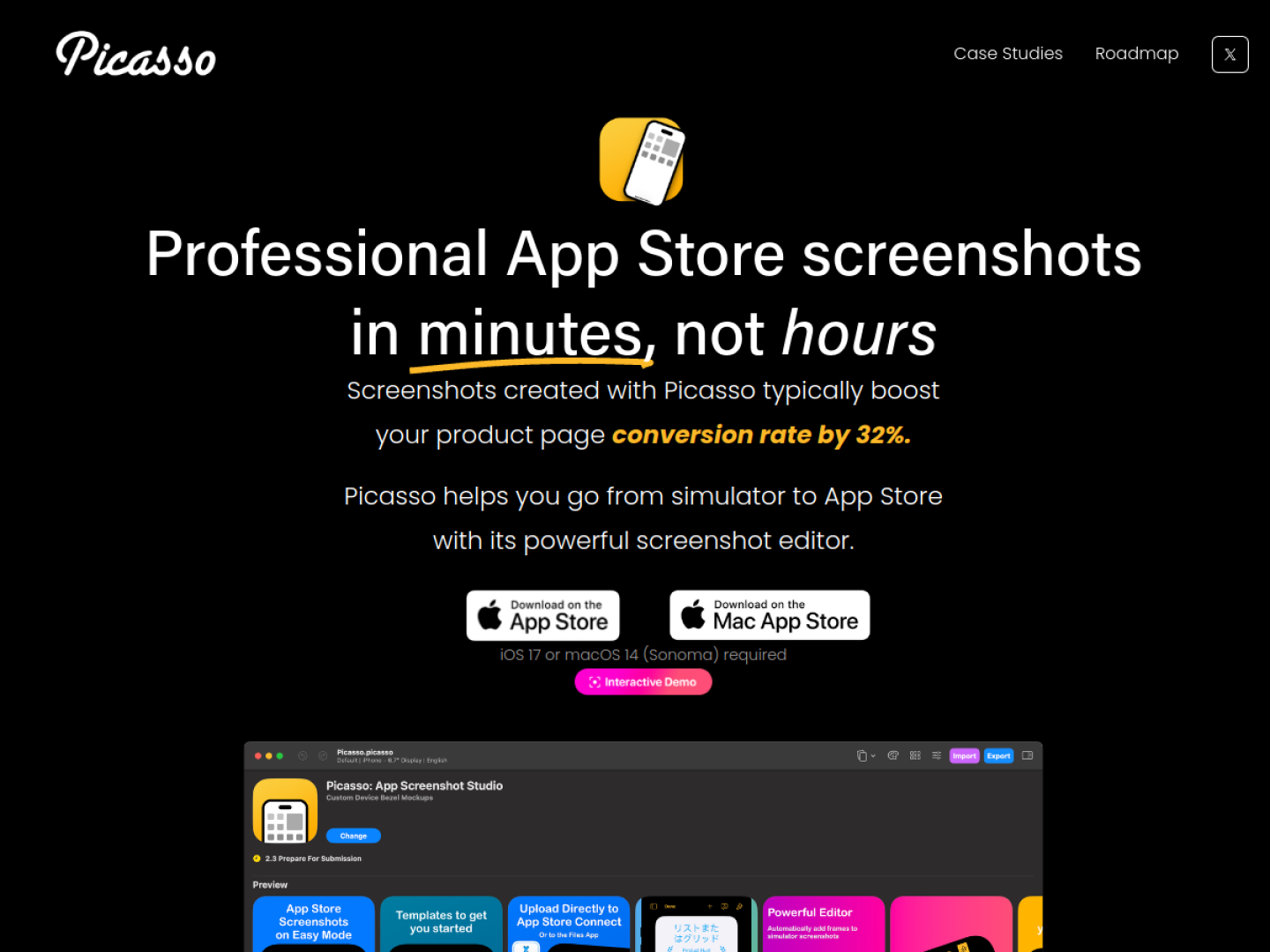
Picasso is an editor for producing App Store screenshots. Its workflow starts with a screenshot from a simulator or physical device; the app reads the image dimensions to determine an appropriate device frame. The screenshot is then dragged onto a Picasso canvas, where the developer can arrange and style the presentation before exporting a filesystem package organized for App Store upload.
The official page goes beyond placing one image in a frame:
.xcstrings file to generate localized screenshot variants.Direct App Store Connect upload is designed to handle each screenshot's display type, locale, processing state, and order. That turns Picasso into both an editor and a delivery tool, which is especially useful when one visual system must be repeated across devices and languages. The canvas can support a quick MVP screenshot set or a more elaborate composition that remains editable for later releases. According to the official requirements, Picasso needs iOS 17 or macOS 14 Sonoma. The product page says it can create screenshots for every Apple platform, while localization ties the visual assets back to the string catalogs already used by an app project.
Recent conversations with a verified link to this App.

7 upvotes · 10 comments ·
More Graphics & Design apps from the directory.


