Most repeated positive
13authors
A complete feature set
“cleanshotx - scrolling screenshots is much more robust.”Evidence: r/macapps · Shottr vs CleanShot X in 2026. Which one are you actually sticking with?
Release notes parsed from trusted records and kept on this page. History provides context; a future Watch alert starts from a fresh baseline.
No trusted release history yet.
We have not observed a structured App Store, Sparkle, GitHub, or package release for Pictura. Future official changes can still establish a Watch baseline.
Be the first to request it
Request the same source-linked purchase brief shown in the completed example below. Your email starts the request and receives the result.
Want it sooner? Independent demand changes queue priority.
Completed example · CleanShot X data
Everything below belongs to CleanShot X. It is a real, completed example—not research about Pictura.

CleanShot X
Example data
 Completed research example
Most repeated positive
13authors
“cleanshotx - scrolling screenshots is much more robust.”Evidence: r/macapps · Shottr vs CleanShot X in 2026. Which one are you actually sticking with?
Most repeated concern
16authors
“I don't think it makes sense to spend the money for Cleanshot when other apps do most of what it does for a lot less or free.”Evidence: r/macapps · Shottr vs CleanShot X in 2026. Which one are you actually sticking with?
Product context
Official or maker-supplied product information. It is kept separate from buyer evidence and independent purchase verification.
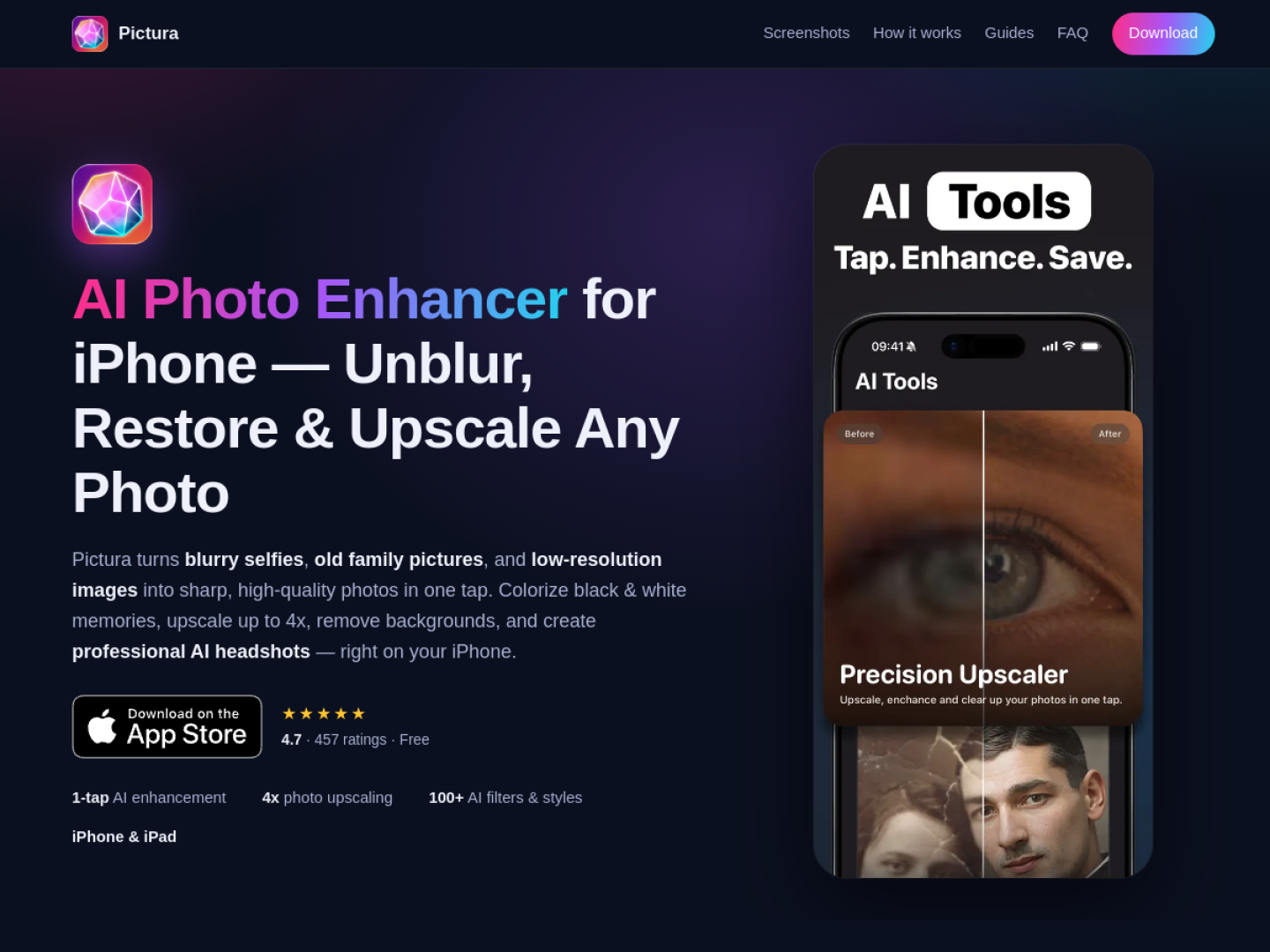
Pictura is an AI photo editor focused on fixing common image problems with a small number of choices. Its official site currently presents the iPhone and iPad edition first, while linking to a separate Mac edition. A user selects a photo, chooses the desired treatment, compares the before-and-after result, and saves or shares the finished image. The editing history keeps earlier results available inside the app.
The product page groups its tools around restoration, resolution, and creative output:
Pictura does not ask the user to manage a traditional stack of adjustment sliders. The official workflow is simply to pick an image from the library or camera, select an AI tool, and then review the processed version. This makes it suited to quick repair and repurposing tasks where the desired outcome is clear—for example, rescuing a scanned family photo, preparing a sharper profile image, or making low-resolution artwork large enough for a new use. The official page says no account is required to try the first enhancements.
More Graphics & Design apps from the directory.