Most repeated positive
13authors
A complete feature set
“cleanshotx - scrolling screenshots is much more robust.”Evidence: r/macapps · Shottr vs CleanShot X in 2026. Which one are you actually sticking with?
Release notes parsed from trusted records and kept on this page. History provides context; a future Watch alert starts from a fresh baseline.
No trusted release history yet.
We have not observed a structured App Store, Sparkle, GitHub, or package release for Spaces. Future official changes can still establish a Watch baseline.
Be the first to request it
Request the same source-linked purchase brief shown in the completed example below. Your email starts the request and receives the result.
Want it sooner? Independent demand changes queue priority.
Completed example · CleanShot X data
Everything below belongs to CleanShot X. It is a real, completed example—not research about Spaces.

CleanShot X
Example data
 Completed research example
Most repeated positive
13authors
“cleanshotx - scrolling screenshots is much more robust.”Evidence: r/macapps · Shottr vs CleanShot X in 2026. Which one are you actually sticking with?
Most repeated concern
16authors
“I don't think it makes sense to spend the money for Cleanshot when other apps do most of what it does for a lot less or free.”Evidence: r/macapps · Shottr vs CleanShot X in 2026. Which one are you actually sticking with?
Product context
Official or maker-supplied product information. It is kept separate from buyer evidence and independent purchase verification.
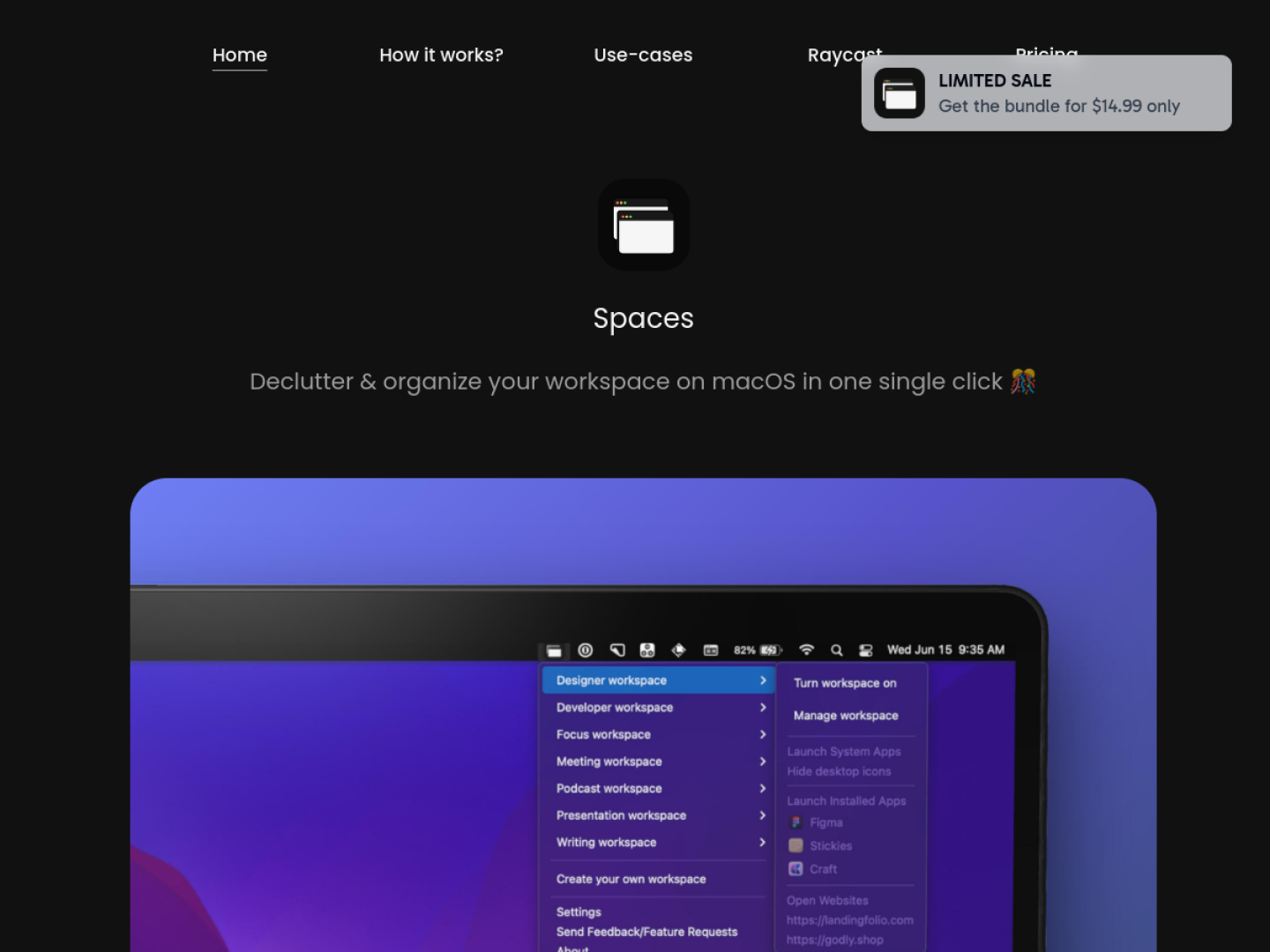
Spaces organizes repeatable sets of applications and websites for macOS. A Workspace clears the current arrangement before launching the resources saved for the new context, while a Launcher opens its set without first cleaning up. This makes the product useful for moving between activities such as development, writing, meetings, presentations, or design without reopening every tool by hand.
The official site documents more than 16 window layouts and a layout switcher triggered with Option-Tab. Spaces can include regular apps, websites, and system apps. Its DropPad beta provides a small, quickly accessible stash for files, folders, PDFs, images, text files, and applications.
Spaces is focused on repeatable setup rather than replacing macOS itself. The official page explicitly says multiple screens and desktops are not currently supported. Within that boundary, it brings launch, cleanup, and layout into a single named context that can also participate in automation through deep links.
More Window & Workspace apps from the directory.