Localization built around app-development files
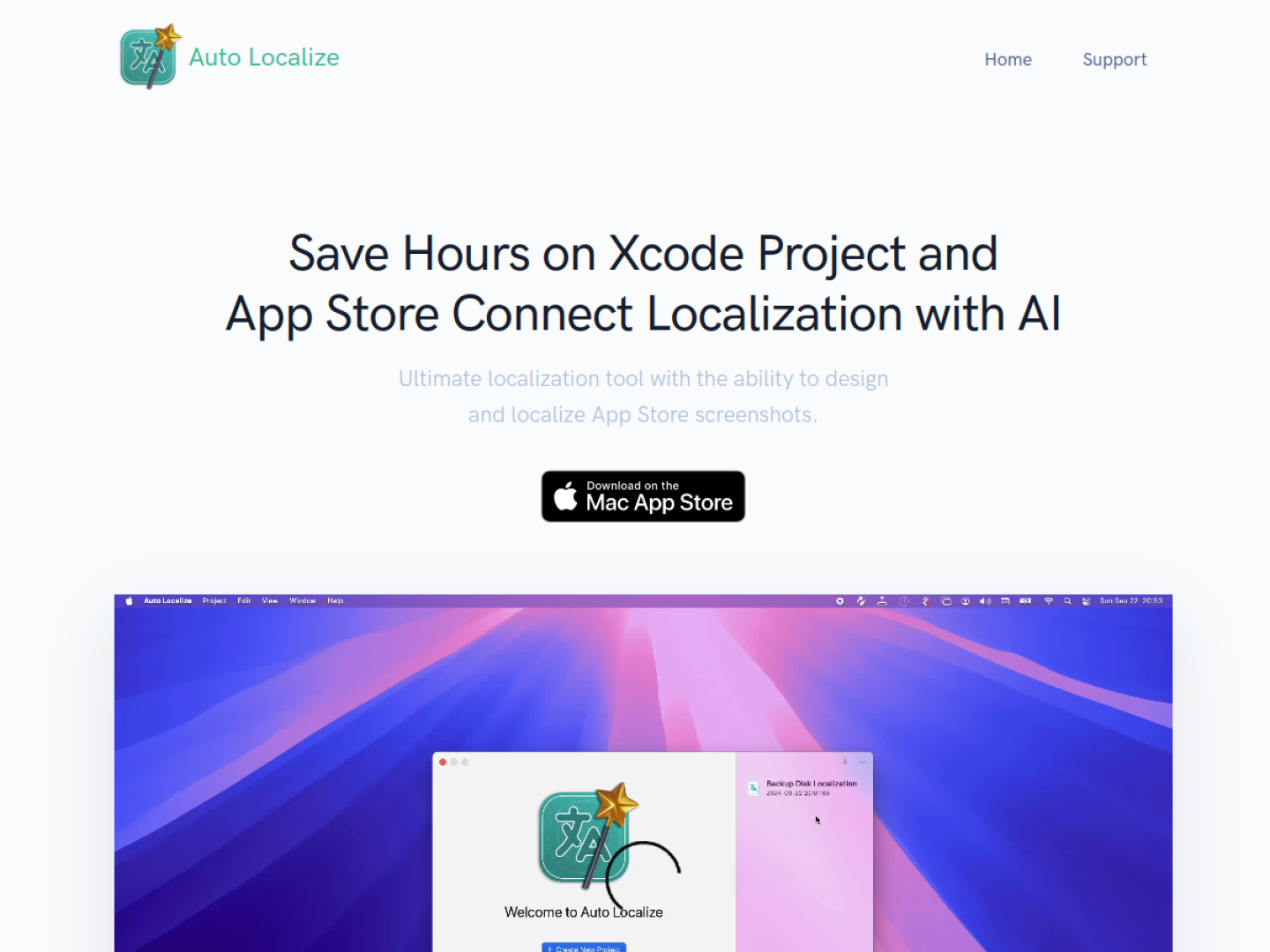
Auto Localize is an AI-assisted localization tool for software projects and App Store delivery. For an Xcode project, the intended flow is to add the project, run localization, and let the app process the project's string catalog files before the next build. The same product also includes tools for designing and localizing App Store screenshots, so translated store assets can stay near the text workflow.
What it connects
The official page highlights several distinct parts of the release process:
- Localize Xcode string catalogs instead of copying individual strings into another service.
- Manage app and version information through App Store Connect integration.
- Update App Store Connect content with a one-click operation.
- Use personal API keys with OpenAI or Google Gemini models.
- Connect to local model tools such as LM Studio and Ollama when a private, offline route is preferred.
Beyond an Xcode-only workflow
Although its headline is aimed at Xcode and App Store Connect, Auto Localize also states support for Java, Android Studio, Flutter, .NET, and Unity projects. That makes it relevant to developers maintaining shared products or multiple clients, not only a single Apple app. Its core value is coordination: source strings, translated metadata, and localized screenshots can be handled through one product rather than separate spreadsheets and store sessions. Model access remains a user choice, with cloud APIs and local LLM applications both represented on the official page.