One-tap photo repair on Apple devices
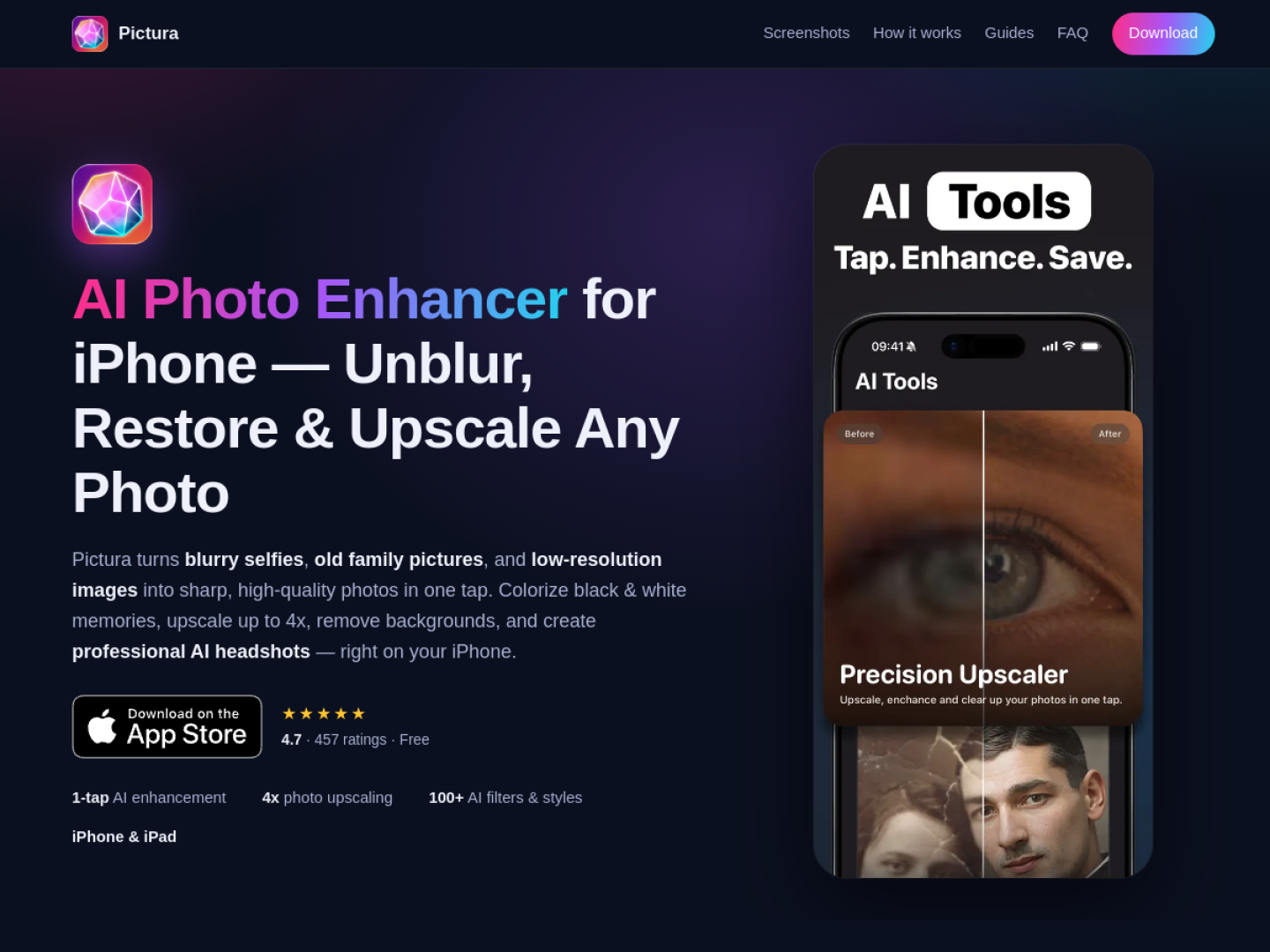
Pictura is an AI photo editor focused on fixing common image problems with a small number of choices. Its official site currently presents the iPhone and iPad edition first, while linking to a separate Mac edition. A user selects a photo, chooses the desired treatment, compares the before-and-after result, and saves or shares the finished image. The editing history keeps earlier results available inside the app.
What the tool can change
The product page groups its tools around restoration, resolution, and creative output:
- Sharpen a soft or blurry photo with one-tap enhancement.
- Restore damage and fading in older photographs, or colorize black-and-white images.
- Upscale an image by as much as 4× for larger output.
- Remove a background or reduce noise and grain in low-light pictures.
- Produce professional headshots, cartoons, caricatures, and other filter-based styles.
A guided editing flow
Pictura does not ask the user to manage a traditional stack of adjustment sliders. The official workflow is simply to pick an image from the library or camera, select an AI tool, and then review the processed version. This makes it suited to quick repair and repurposing tasks where the desired outcome is clear—for example, rescuing a scanned family photo, preparing a sharper profile image, or making low-resolution artwork large enough for a new use. The official page says no account is required to try the first enhancements.