Save a Dock for each kind of work
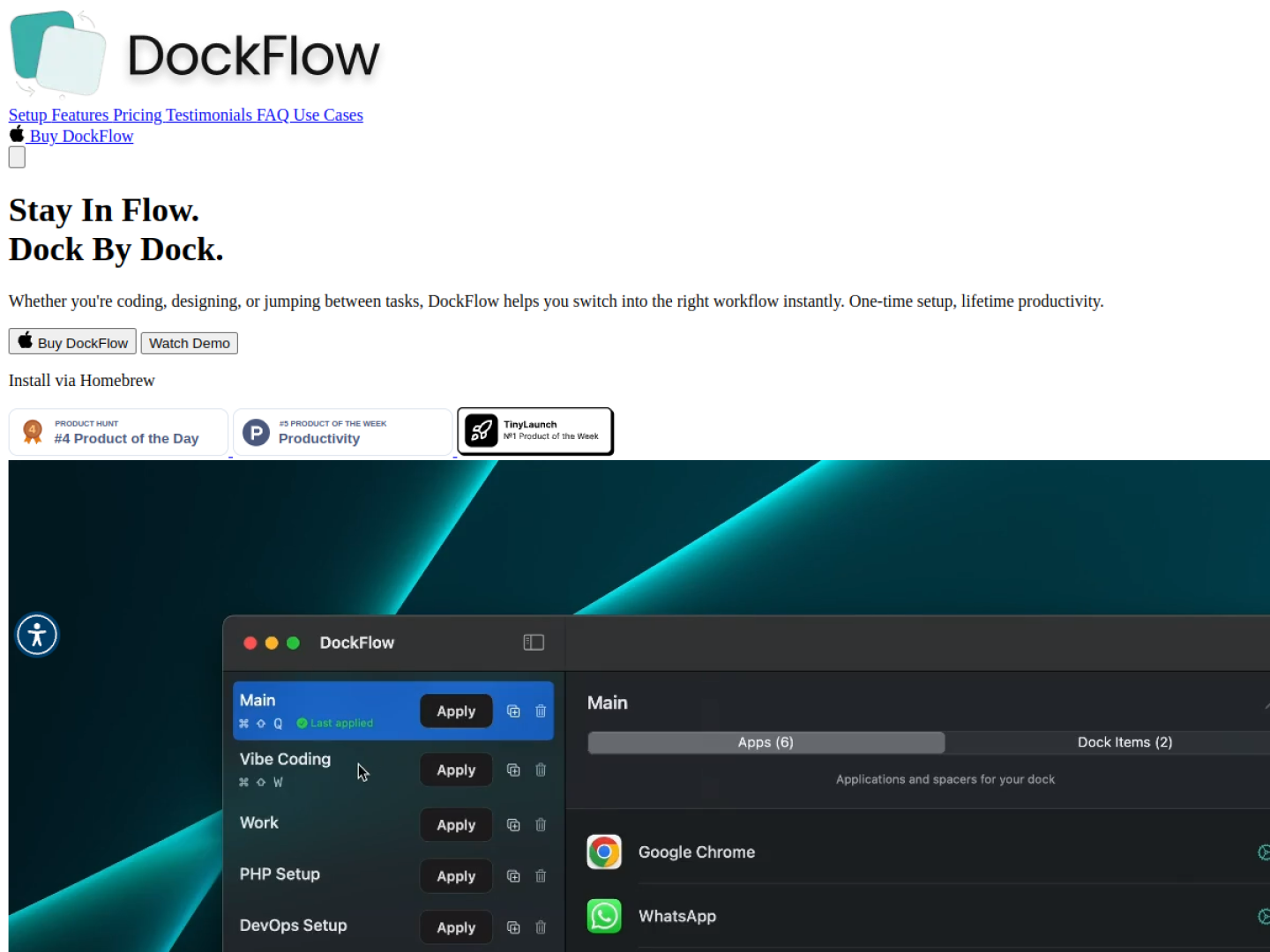
DockFlow turns a macOS Dock arrangement into a reusable preset. Open the apps used for a workflow, give the layout a name, and save the current Dock. Later, a preset can restore that context with one click or a keyboard shortcut, closing apps that are not needed and launching the ones that are.
More than app icons
A preset can include apps, folders, and files. DockFlow can also open a specific browser profile or launch an IDE with the right project, so a saved Dock can represent a complete working context rather than a cosmetic arrangement. It works with the native macOS Dock and supports automation through Apple Shortcuts and Focus modes.
- Create unlimited Dock presets.
- Switch layouts with one click or a keyboard shortcut.
- Include apps, files, folders, browser profiles, and IDE projects.
- Use Lock Dock to stop the Dock moving between displays.
- Install through Homebrew with a purchased license for activation.
Native setup and licensing
DockFlow says its normal setup requires no permissions and requires macOS 13.5 or later. The official site offers one-year, lifetime, and team licensing options, with a 30-day money-back guarantee. Team plans add license management and email-based assignment.