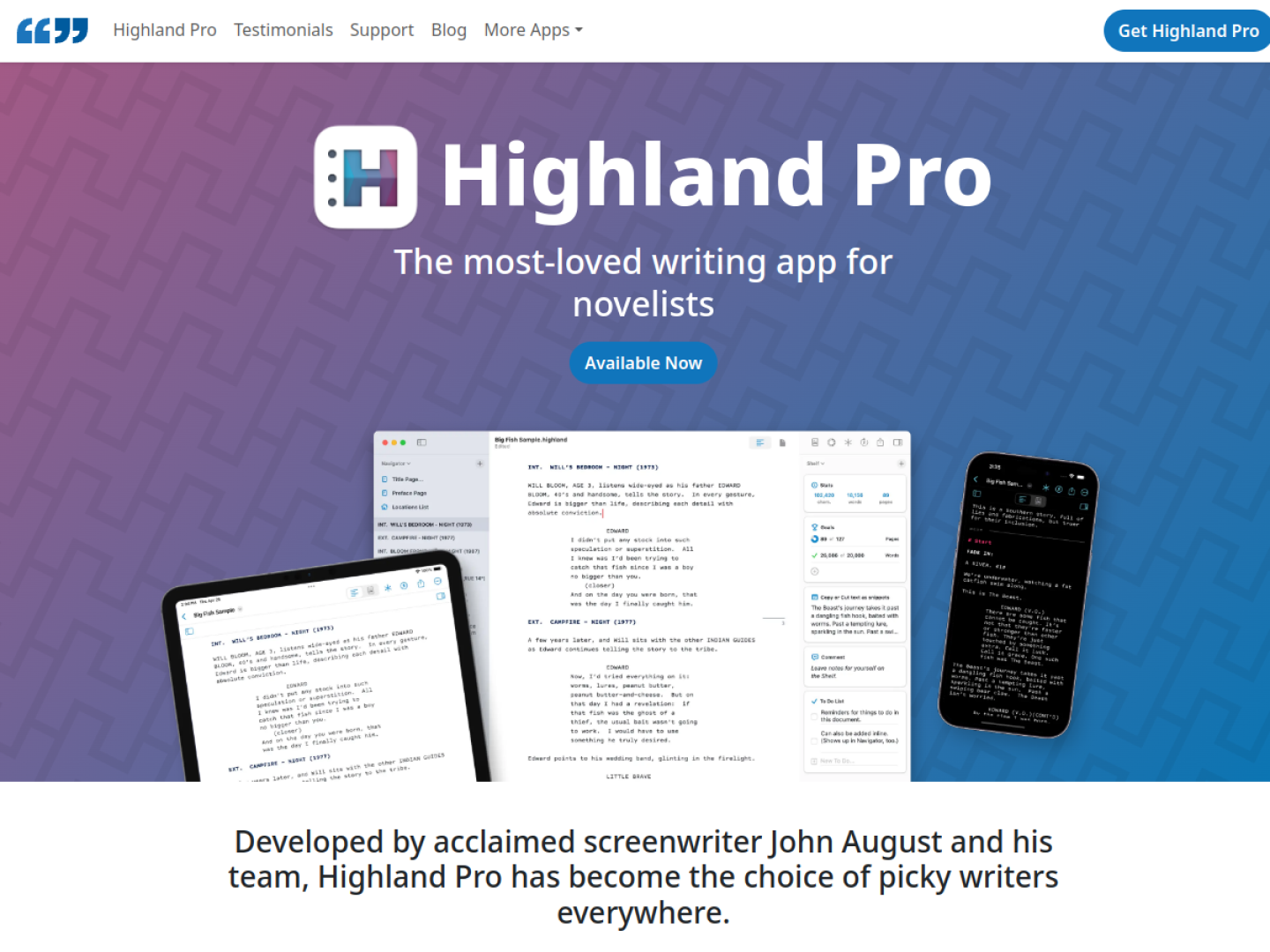
A native writing room for long-form work
Highland Pro is built for screenplays, novels, and other long documents, with an interface designed to keep the draft in front of you. It runs natively on Mac, iPad, and iPhone and uses automatic iCloud sync, so a project can move between devices without changing editors. Writing sprints, customizable themes, and a distraction-free view support focused sessions.
Keep story structure beside the page
The app combines the editor with practical tools developed for working writers:
- Navigator maps sections, scenes, synopses, and notes.
- Title Page Builder supplies standard film and television fields.
- Cast and Location lists can be generated or maintained manually.
- Snippets hold scenes, dialogue, or other text outside the active draft.
- Goals track page, word, or character-count milestones.
- Revision Mode marks changes in colors and adds stars in the margin.
Look things up without leaving the flow
Typing a slash opens /Lookup for quick questions such as definitions, capitals, or rhymes. Comments keep partner notes, character details, and research close to the manuscript, while To Do maintains a running checklist. The official page offers a 30-day trial and lists monthly and yearly subscription plans through the App Store.