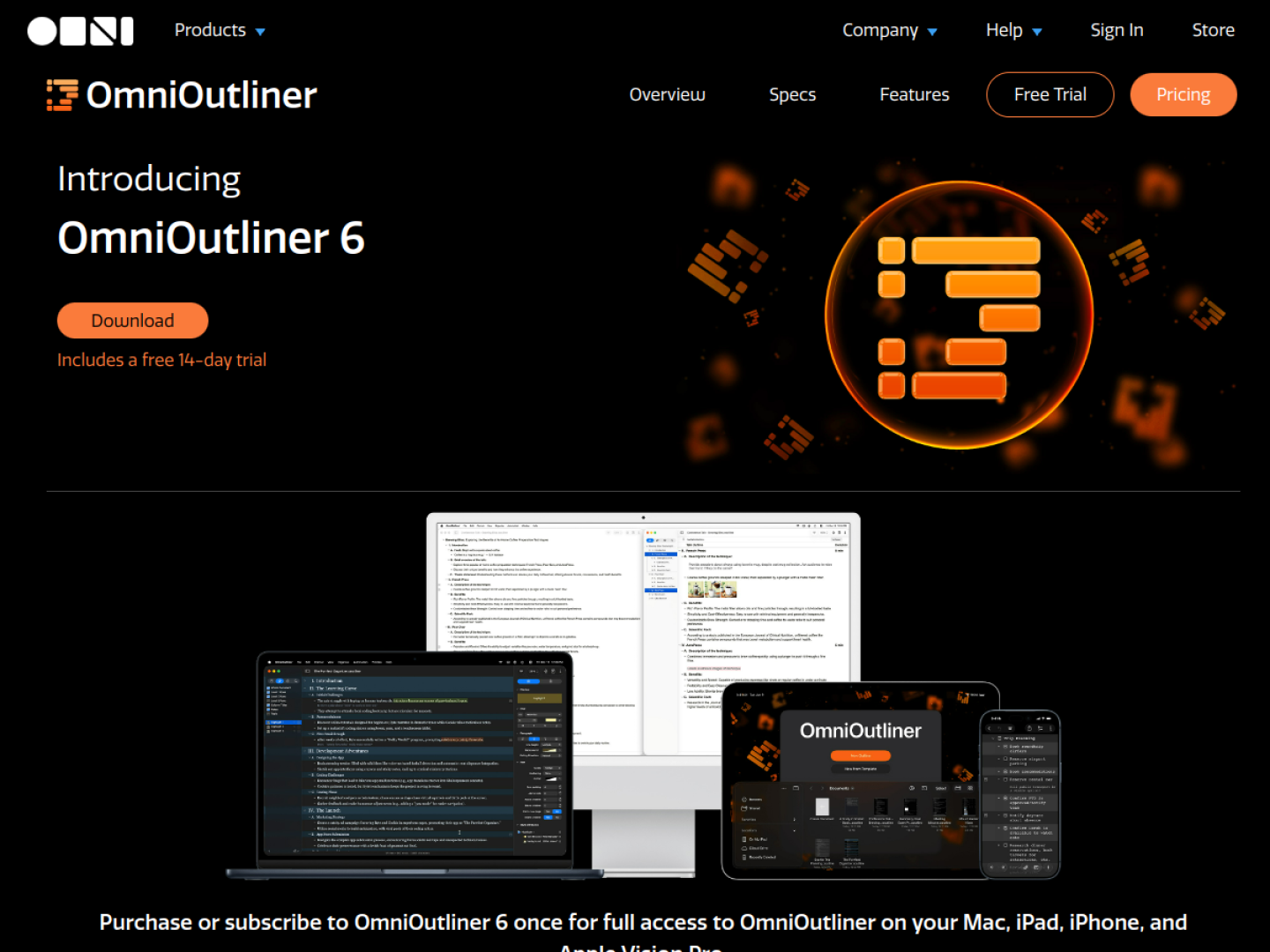
Turn ideas into a structure you can reshape
OmniOutliner 6 is a cross-device outlining workspace for organizing information before it becomes a document, plan, or checklist. Its hierarchy supports unlimited nesting, while expand-and-collapse controls let you move between the full picture and a focused branch. Rows can carry notes, and status checkboxes can turn the same structure into an actionable list.
Choose the depth your work needs
Essentials keeps the interface focused around core outlining, styling, and organization. Pro adds tools for workflows that need richer structure or repeatable automation:
- Focus on a section or apply a saved sidebar filter.
- Add typed columns for text, dates, durations, numbers, checkboxes, and pop-up lists.
- Configure structural styles, named styles, and row numbering.
- Run cross-platform Omni Automation plug-ins, including Apple Intelligence integrations on supported devices.
Work with the outline on every Apple device
A single purchase or subscription provides access on Mac, iPad, iPhone, and Apple Vision Pro. Version 6 adds universal licensing, closer feature parity across platforms, Dynamic Themes that react to Light or Dark Mode, and Omni Links that can point to a document or a specific place inside it. The current product page lists version 6.2 and a 14-day Mac trial.