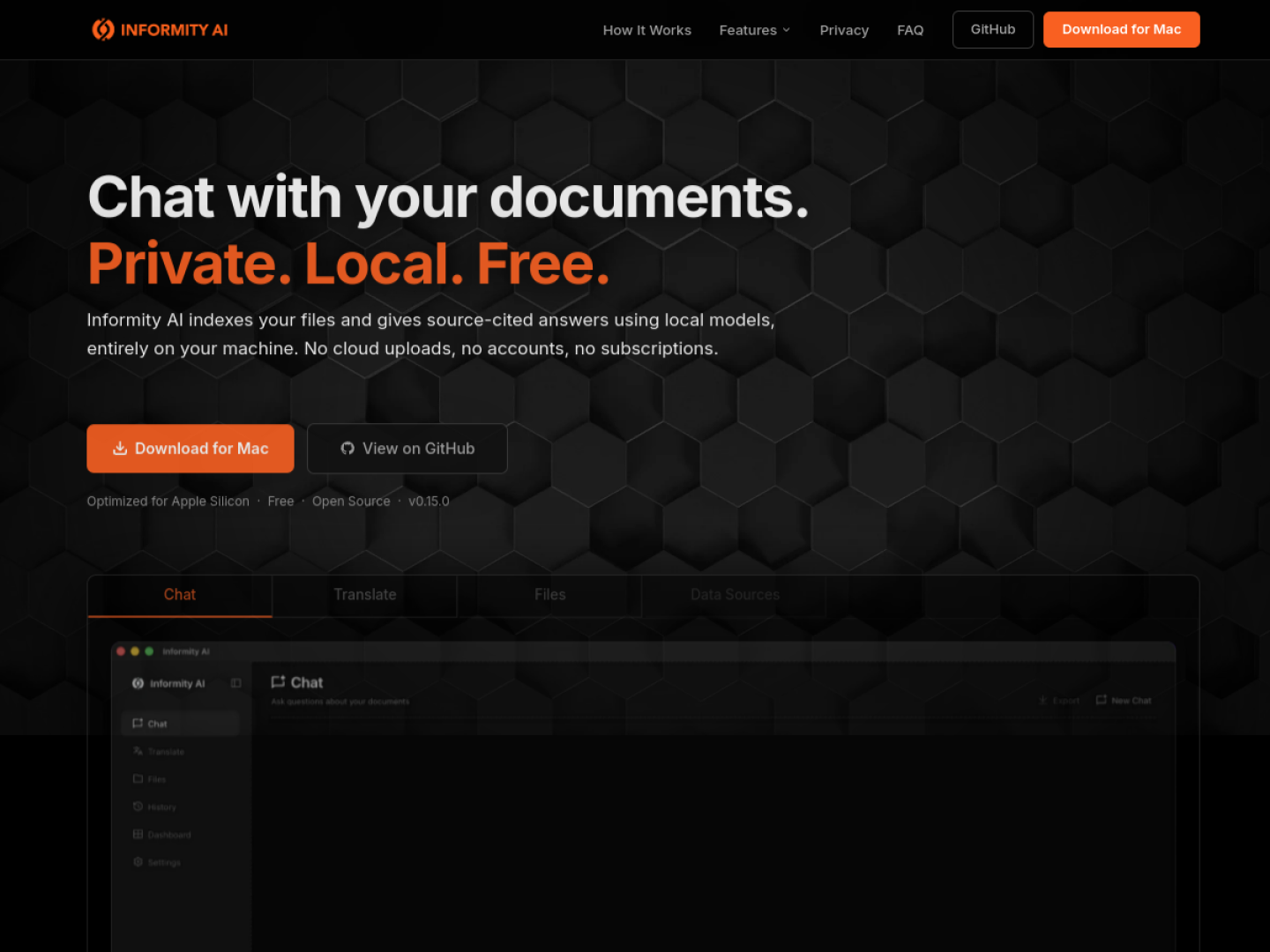
Ask questions across local files
Informity AI indexes selected folders on a Mac and answers natural-language questions with a local model. Responses stream in the app and include citations to the exact file and passage, which can be opened for verification. Supported formats include PDF, DOCX, XLSX, CSV, PPTX, HTML, text, Markdown, RST, logs, and EPUB; optional settings add JSON, YAML, and TOML, and scanned PDFs can use OCR.
Research, assist, and translate
Researcher mode answers from indexed documents, while Assistant mode can handle broader questions and offers web search only when the user opts in. The app includes a bundled local model, lighter hardware profiles, and an option to connect an Ollama instance. Documents can also be translated locally with Natural, Formal, or Literal tones while preserving headings, tables, lists, and code blocks.
- Choose one or more folders, index them locally, then ask questions.
- Open source citations directly from an answer.
- Attach a file to scope a chat without adding it to the full library.
- Use built-in financial, legal, medical, security, and technical specialist modes.
- Export translations as Markdown or plain text.
Local-first by design
Indexing, embeddings, vector search, chat, and translation run on the Mac. Informity states that documents are not uploaded, no account is required, and telemetry is not collected. It is free, open source under the MIT License, and optimized for Apple Silicon; the default model recommends at least 24 GB of unified memory, with smaller profiles for 16 GB machines.