
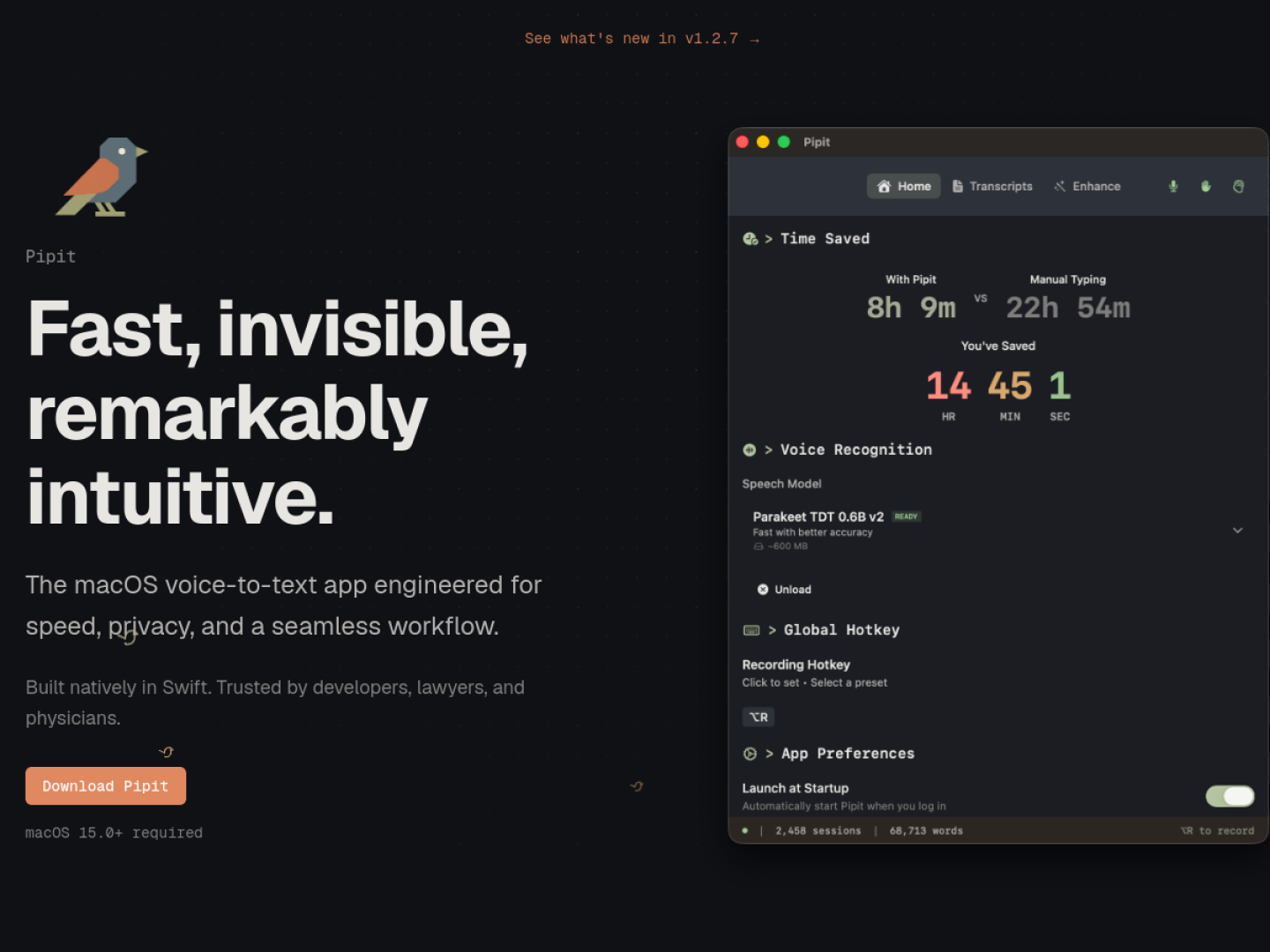
Dictate into the app already under your cursor
Pipit is a native Swift voice-to-text utility for macOS 15 or later. It runs in the background: hold the Option key, speak, then release to paste the transcription into the active app. The overlay appears when recording begins, so the workflow does not require opening a separate editor or moving text manually. Real-time transcription is performed with local AI.
Reuse speech and clipboard history
A Unified Timeline puts transcriptions and copied items into one searchable history. Pipit also includes tools that shape raw input for everyday work:
- AI formatting adds punctuation, capitalization, spacing, and can remove filler words.
- An Adaptive Dictionary remembers names, jargon, and technical spellings.
- File Transcription accepts MP3, M4A, WAV, MP4, and MOV files and processes them on the Mac.
- More than 40 built-in Quick Actions can open apps, search the web, or trigger supported services.
Choose how model access works
The official page says Pipit can use a user-provided API key, custom endpoints, or local models through Ollama. This separates the fast, local transcription path from optional formatting and action workflows. The product page currently identifies version 1.2.7 and links its download through GitHub, while the documentation and privacy pages remain available from the site footer.