
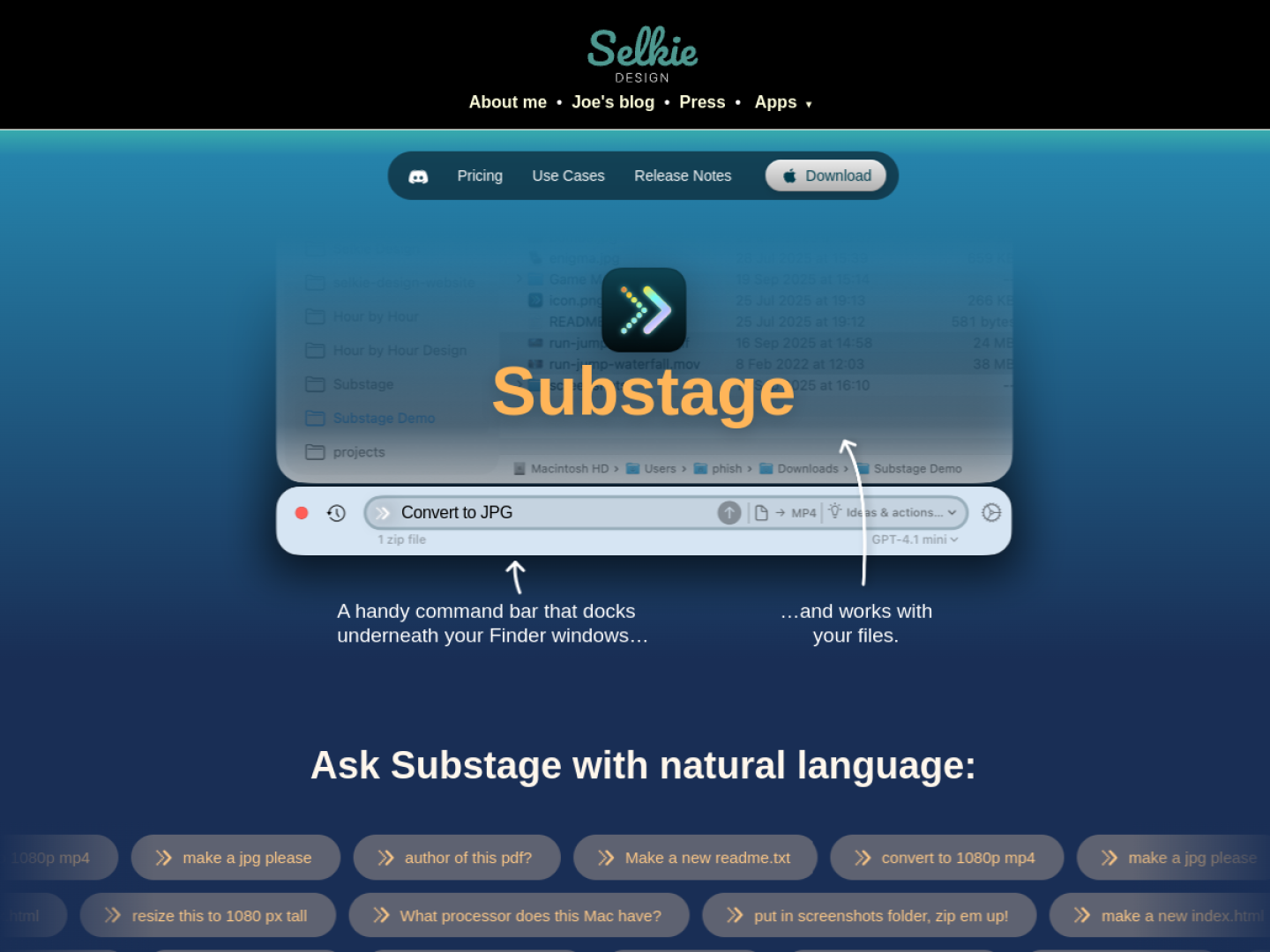
Give Finder files a plain-language command bar
Substage docks beneath Finder windows and uses the current selection as context. Describe a single operation in natural language and it translates the request into a Terminal command. Typical jobs include converting images or video, inspecting metadata, reorganizing files, creating archives, and running small calculations. A global shortcut can show or hide the bar from anywhere.
Preview the effect before anything runs
Substage Predicts simulates a command and summarizes what it will create, change, move, delete, or send over the network. You decide which predictable operations can run automatically and which should always ask. If the result cannot be fully predicted, the app pauses for confirmation.
- Rules remember your preferred folders, formats, shorthand, and conventions.
- Folder-specific rules appear only where their context is relevant.
- Instant Actions such as
jpgorzipcan bypass the AI model for supported common tasks. - Command History reuses earlier operations on a new selection.
Keep the scope deliberate
The maker positions Substage for quick, individual commands rather than multi-step agentic work. It supports hosted models, user-provided API keys, and local models through Ollama or LM Studio. Prompts and selected file paths may be sent to the chosen AI provider, but the official privacy explanation says Substage does not directly access or send file contents; Terminal output can be included when the app is asked to summarize it.