From simulator capture to store-ready artwork
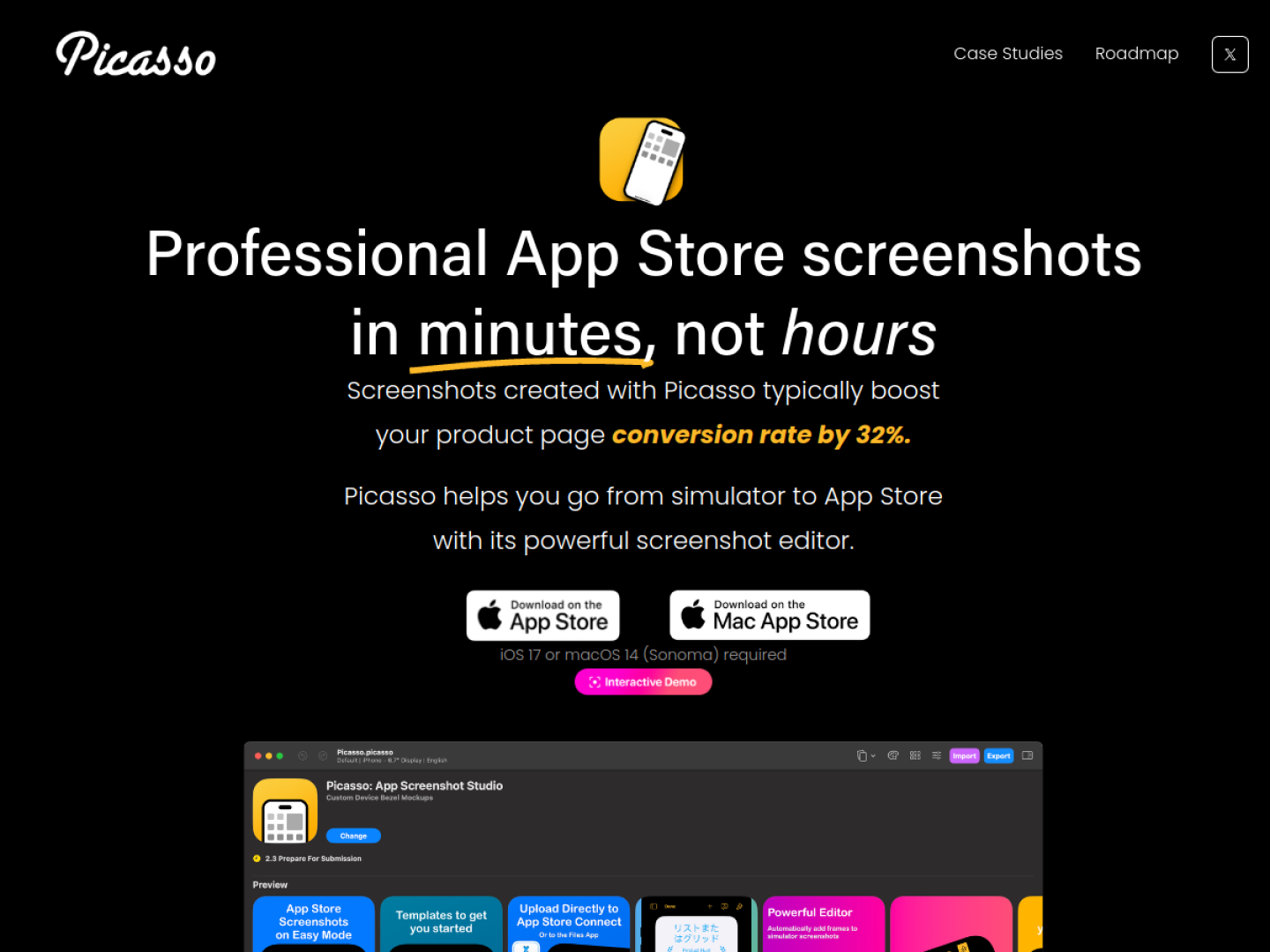
Picasso is an editor for producing App Store screenshots. Its workflow starts with a screenshot from a simulator or physical device; the app reads the image dimensions to determine an appropriate device frame. The screenshot is then dragged onto a Picasso canvas, where the developer can arrange and style the presentation before exporting a filesystem package organized for App Store upload.
Tools for a complete screenshot set
The official page goes beyond placing one image in a frame:
- Add device frames automatically to simulator screenshots.
- Place additional images and span visual elements across several screenshots.
- Work with more than 40 device frames across Apple platforms.
- Import an
.xcstringsfile to generate localized screenshot variants. - Export organized files or upload each display type and locale directly to App Store Connect.
Reduce repetitive release work
Direct App Store Connect upload is designed to handle each screenshot's display type, locale, processing state, and order. That turns Picasso into both an editor and a delivery tool, which is especially useful when one visual system must be repeated across devices and languages. The canvas can support a quick MVP screenshot set or a more elaborate composition that remains editable for later releases. According to the official requirements, Picasso needs iOS 17 or macOS 14 Sonoma. The product page says it can create screenshots for every Apple platform, while localization ties the visual assets back to the string catalogs already used by an app project.